CodeIt!
Learn to think before you Program!
My Role - Lead UX Designer
Challenge:
Most people struggle with the basics of Programing Concepts, even developers end up writing convoluted code if they don't follow the basics of Programing. There is a need for well designed training platform to help a student learn these concepts of Programing.
Solution:
I designed a platform to help beginners gain some insight into what Thought Process should go into the code before they start coding by practicing writing algorithms, getting the flow of their logic using flow-charts and implementing their logic which is made easier using drag-drop functionality.
Result:
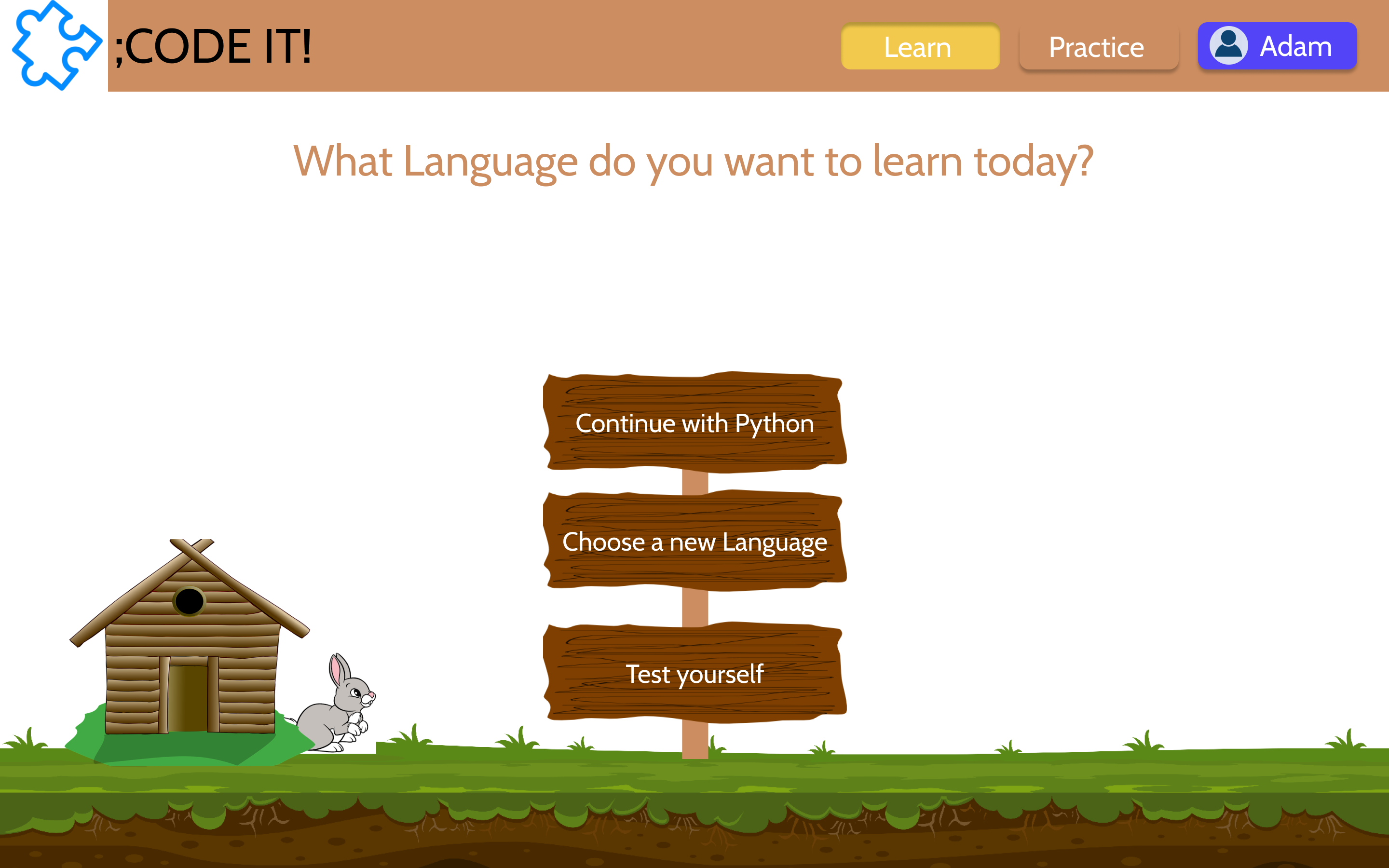
Homepage of the CodeIt website.
WHAT’S THE CHALLENGE?
WHAT’S THE PROBLEM?
“Coding has always been hard! I usually learn code word by word because the logic is so hard!” - A quote from a fellow Computer Science undergraduate student.
Listening to an undergrad talk about programming being hard struck me. Being a Computer Science undergraduate, I know that programming is different than other subjects but it is not hard if learned right. Therefore, I began thinking about familiarizing students with the Thought Process behind programming.
So, I aimed to design a solution that would build a strong foundation of the thought process behind programming in a step-by-step manner.
Crown’s InfoLink is a flagship in fleet management and data analysis. We were challenged to come up with a concept design to enhance InfoLink’s features and benefit the Forklift operators as well as the Warehouse managers.

WHO IS THE TARGET AUDIENCE?
Primarily 9th - 12th grade children, setting their foot in IT world.
Basic Programming Knowledge will build solid foundation to carve their career in Information Technology field.
BACKGROUND RESEARCH
OUR MARKET RESEARCH
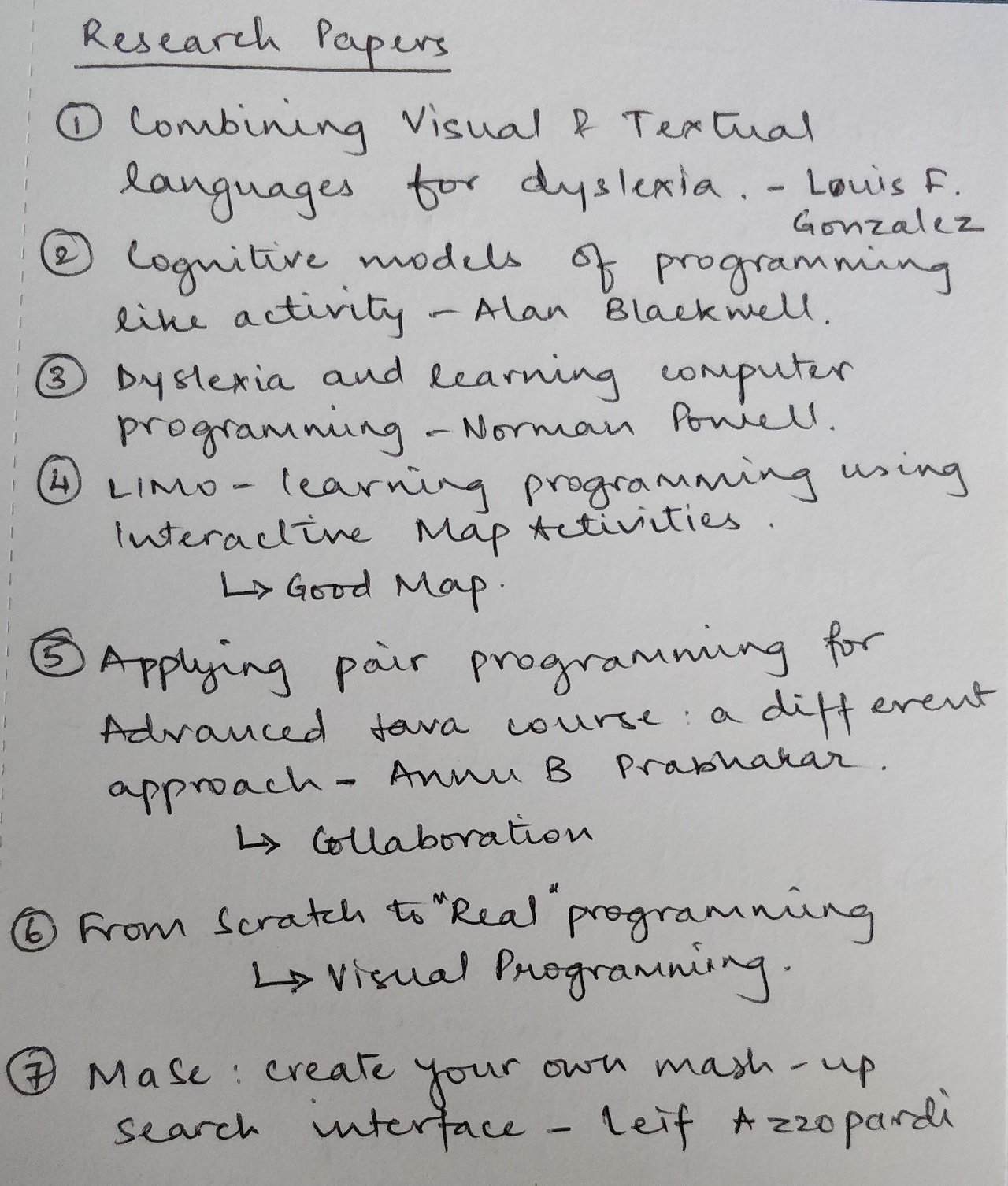
Researched many published papers focused on intuitive learning to program. Competitive research showed that although many applications exist which teach programming, none fulfill my aim.
There is Blockly, a Google website, that provides a basic functionality of this feature. I feel it does not provide any background of the programming language. It just provides the functionality to drag and drop code snippets.
Crown Equipment has many competitors and to give them an edge we wanted to understand their what their competitors were already offering.
We realized that all companies are:
CONCEPT CREATION AND DESIGN SKETCHES
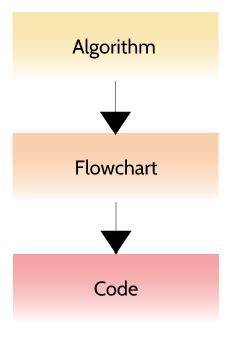
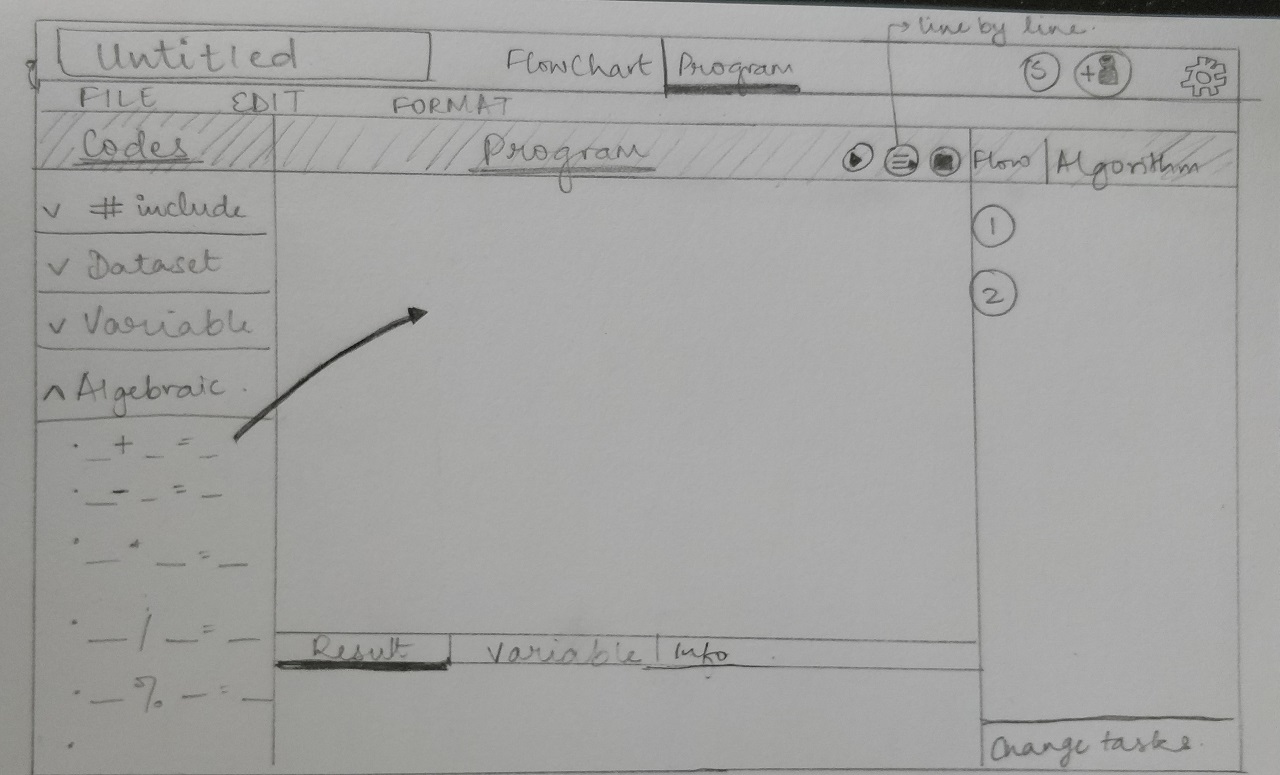
I worked on conceptual design sketches to get clarity on the flow of the design. The Thought Process of programming flows like:
- Algorithm - Problem-solving, written in simple English
- Flowchart - Diagrammatically depict the flow of the solution
- Code - Choose the language and use technical syntax to code the solution
A drag and a drop functionality for each phase would
- Provide an easy and intuitive platform to learn
- De-emphasize the details of programming syntax
- Focus more on the Thought Process and logic behind it
WHAT’S THE FINAL SOLUTION?
WHAT’S OUR FINAL SOLUTION?
The final solution has 2 sections:
- Learn the process
- Practice the process
These sections each contain 3 sub-sections
- Algorithm
- Flowchart
- Code
The solution takes the viewer through each phase in both the sections. Following the above phases in the Learn section creates a foundation for the Thought Process behind programming. Similarly, the Practice section provides the viewer a focused way of practicing what they have recently learned, in a step-by-step manner.
We picked IPS Safety to be our solution. It would be a new device that would compose of:
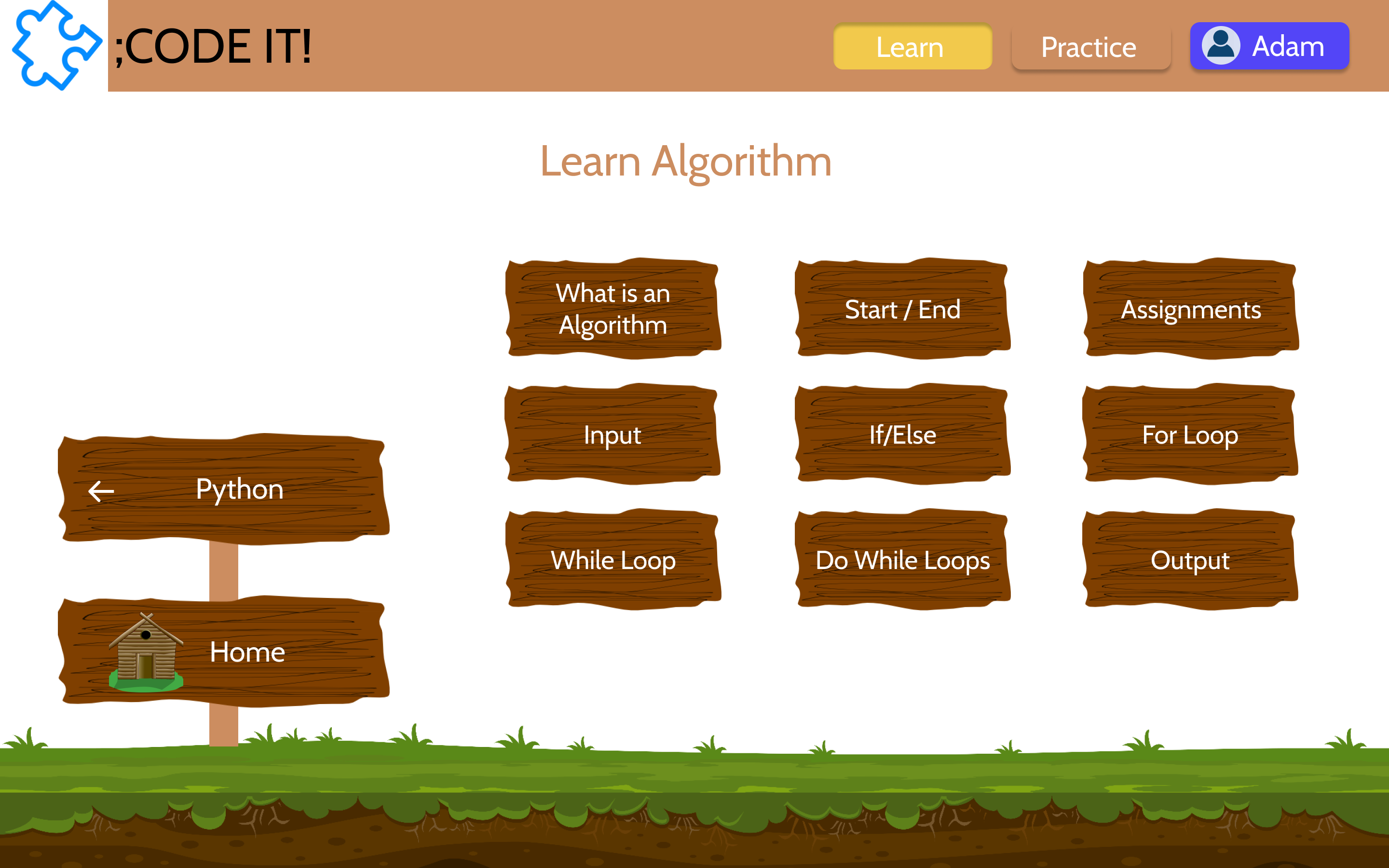
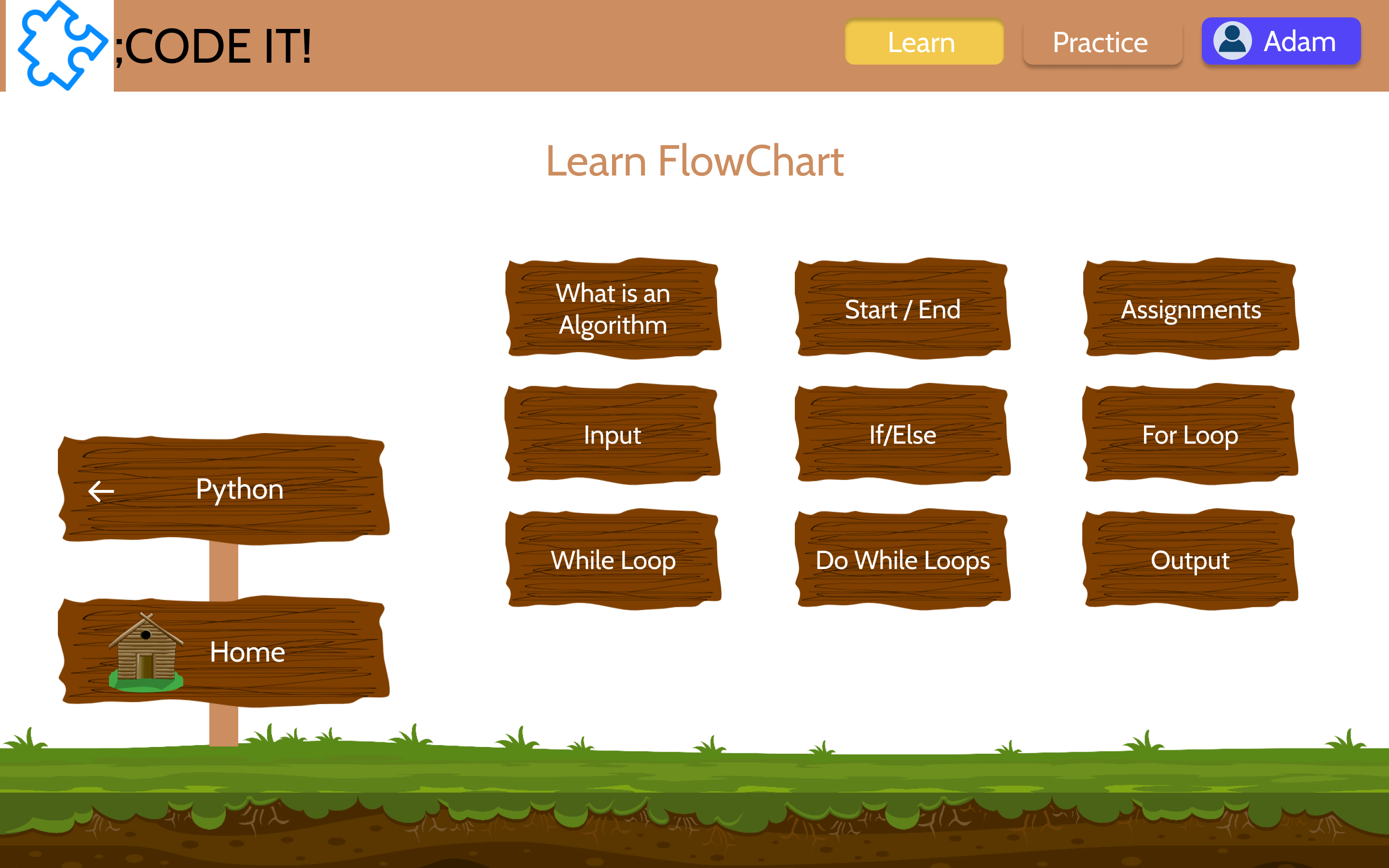
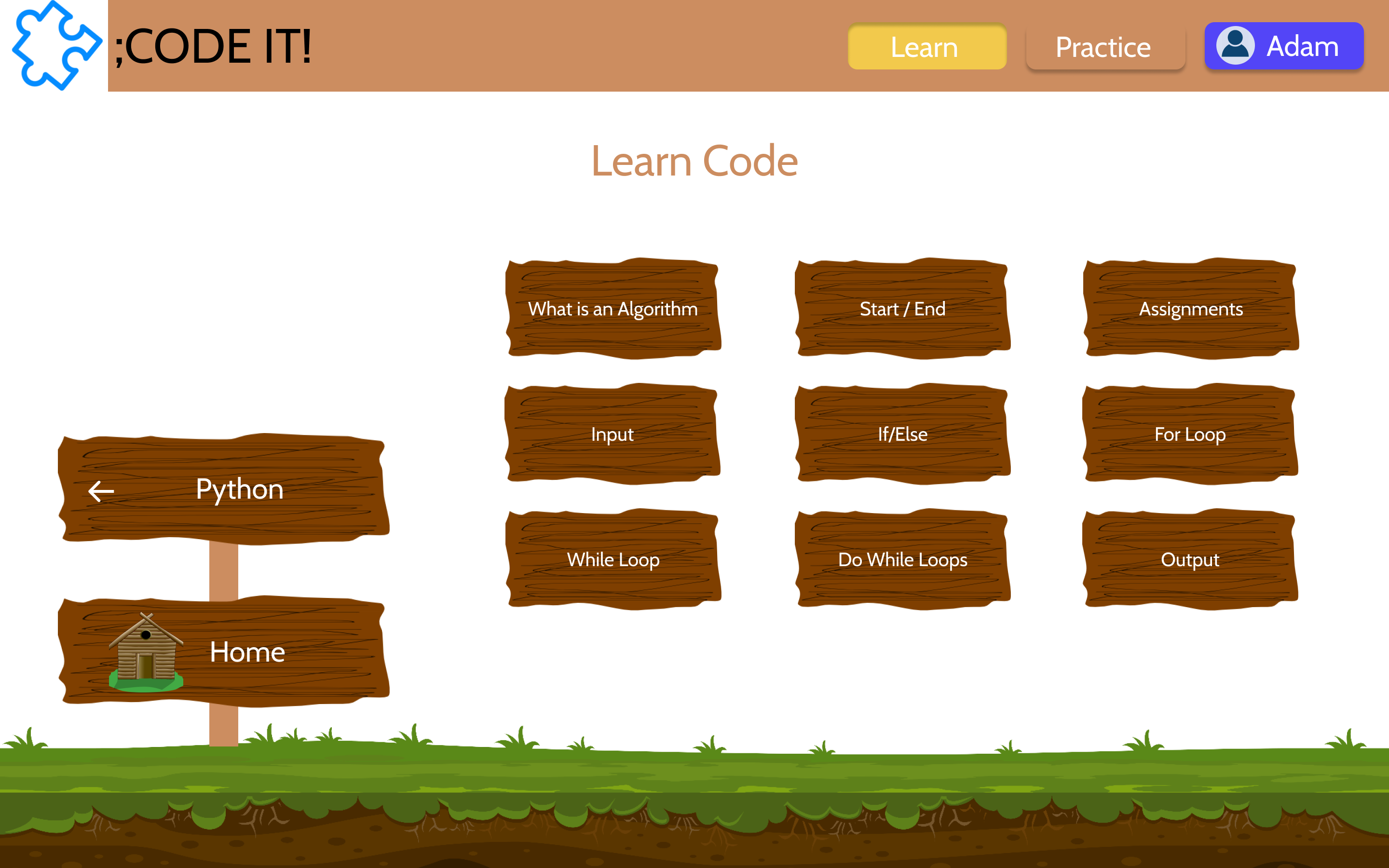
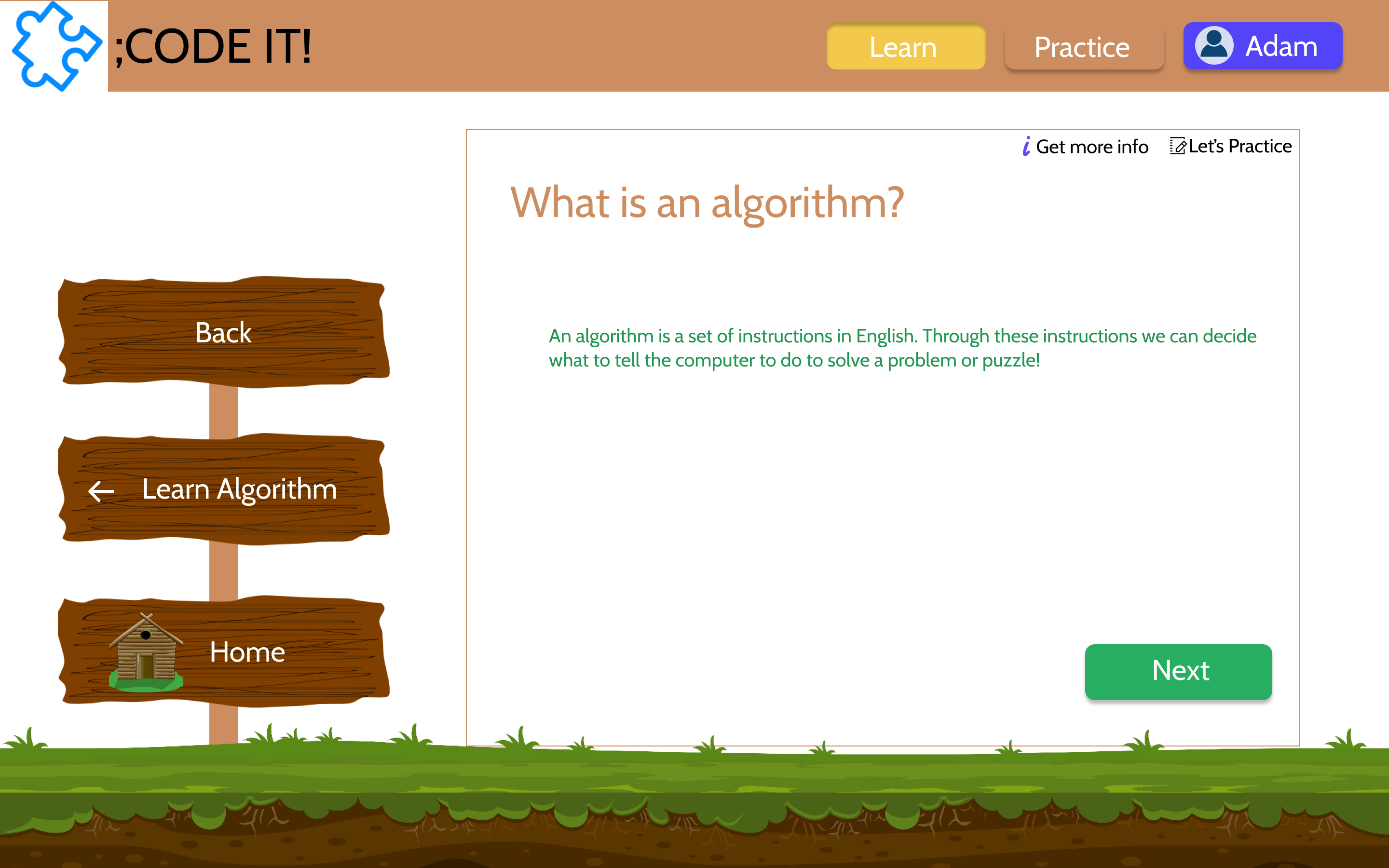
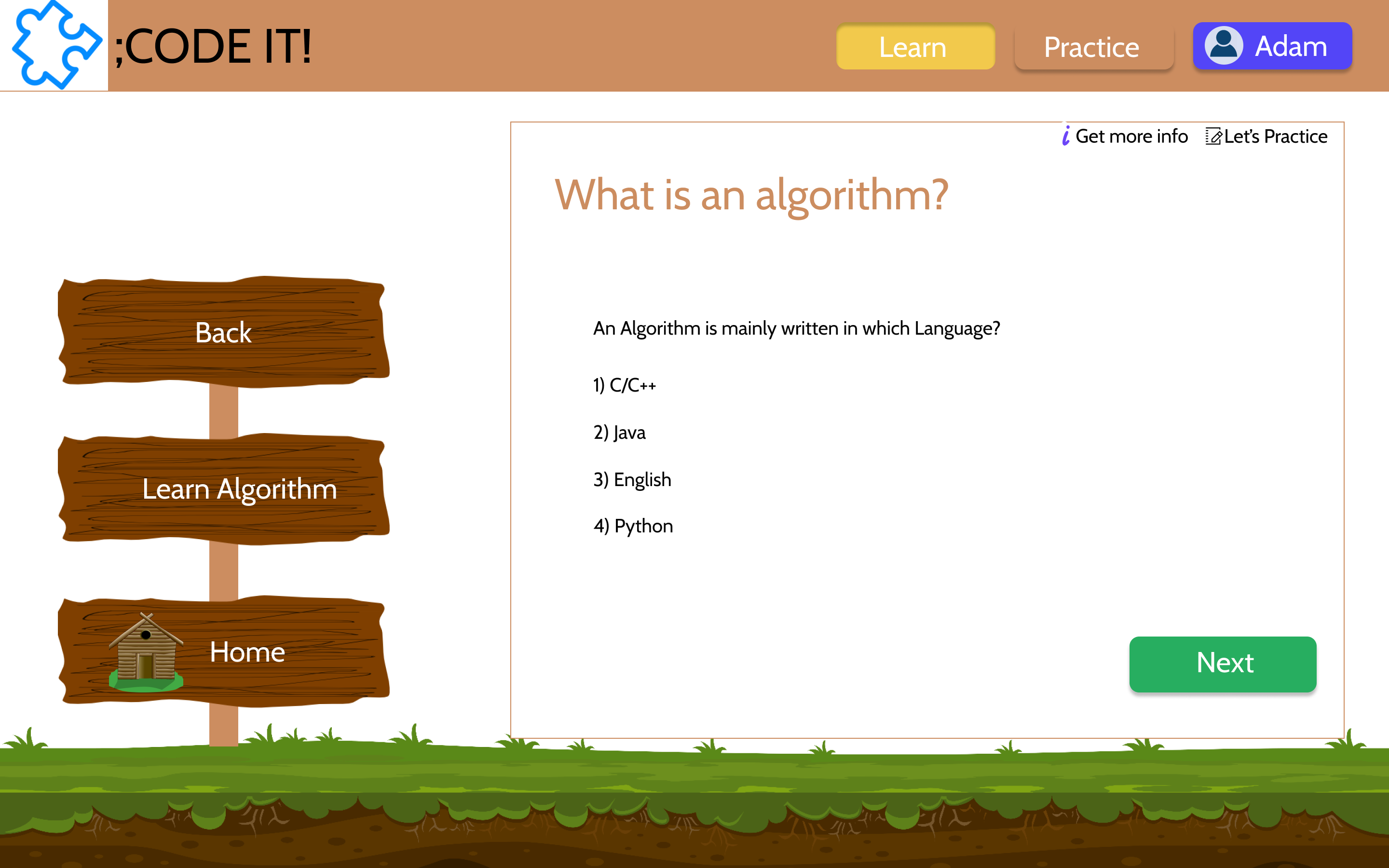
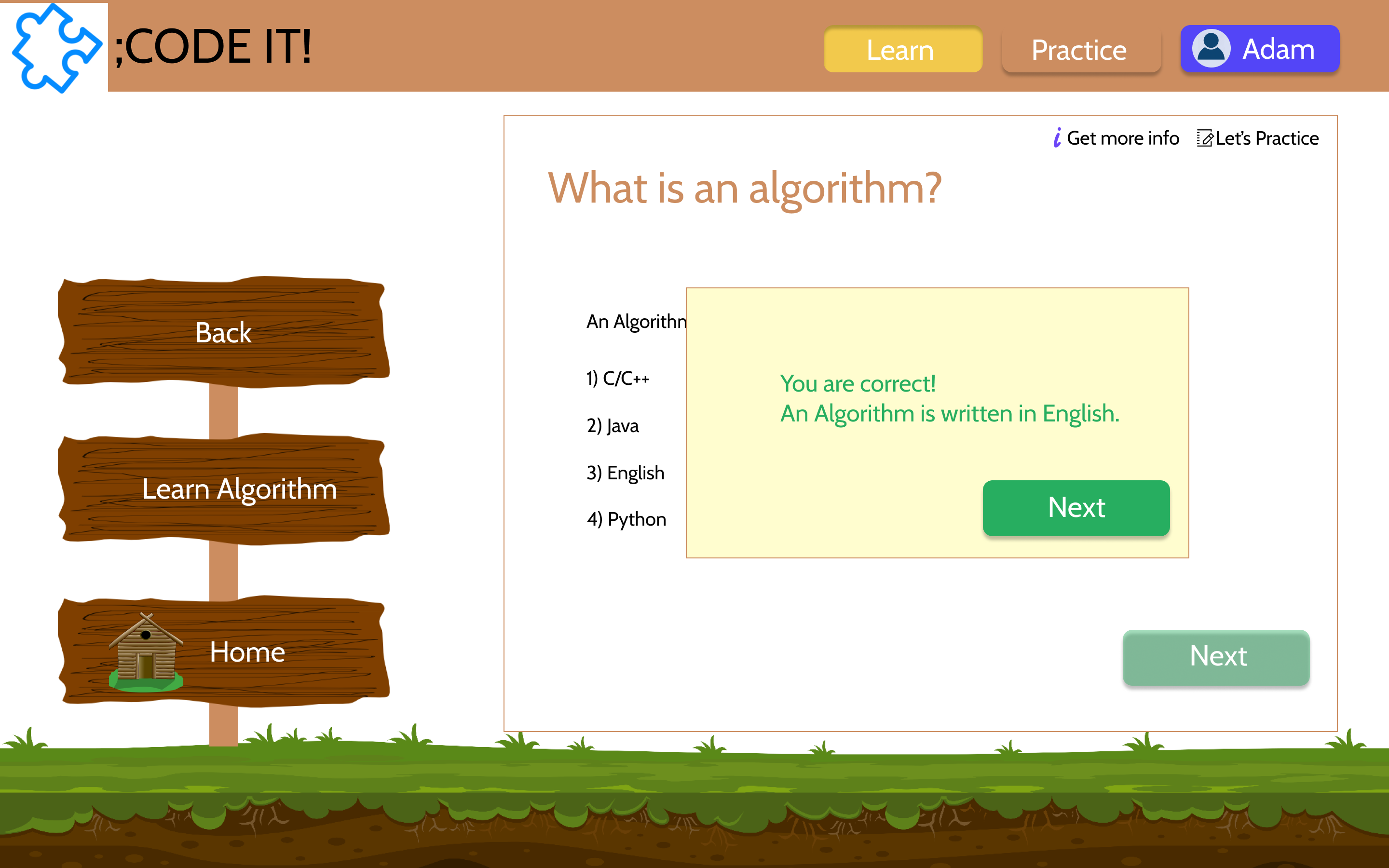
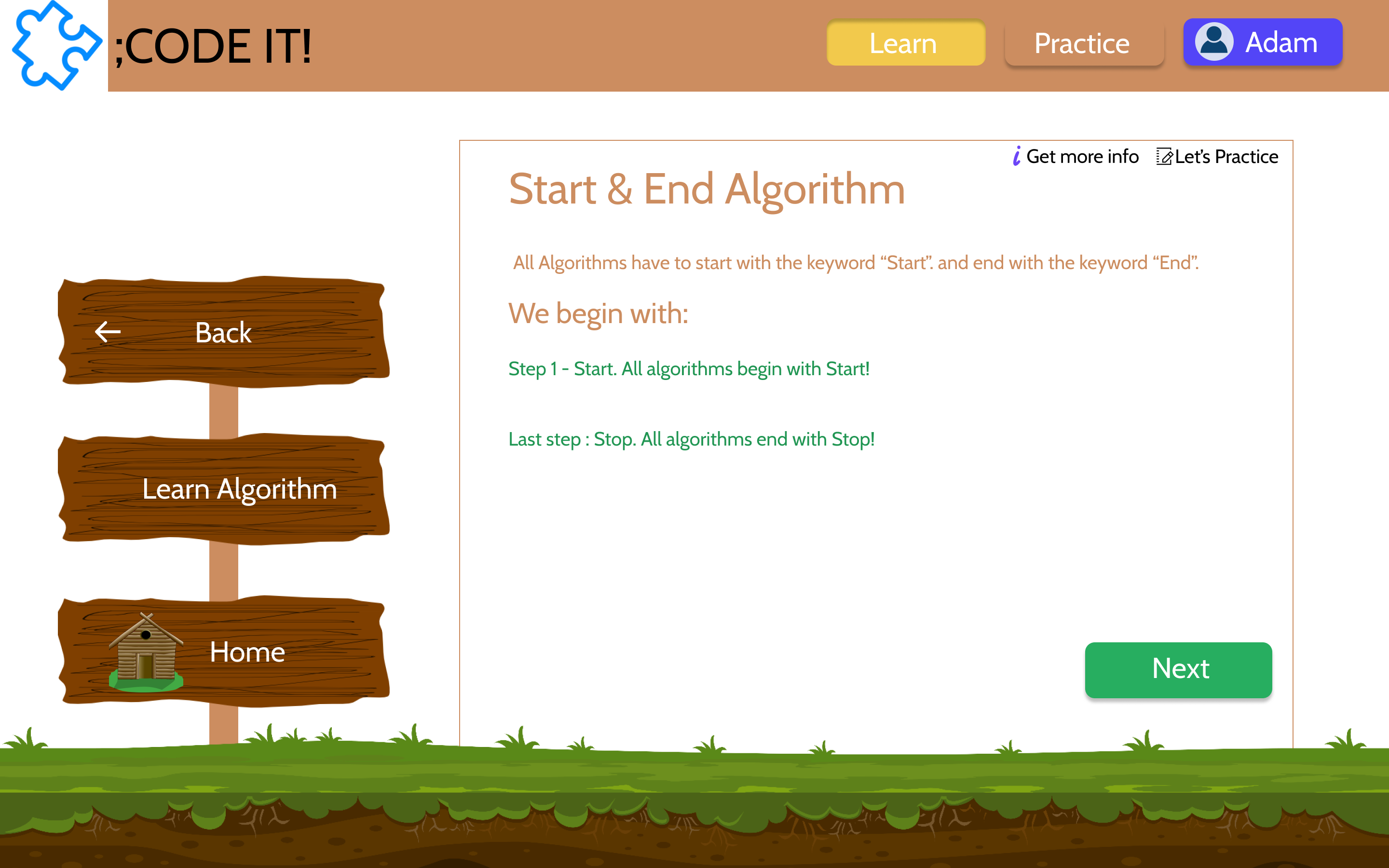
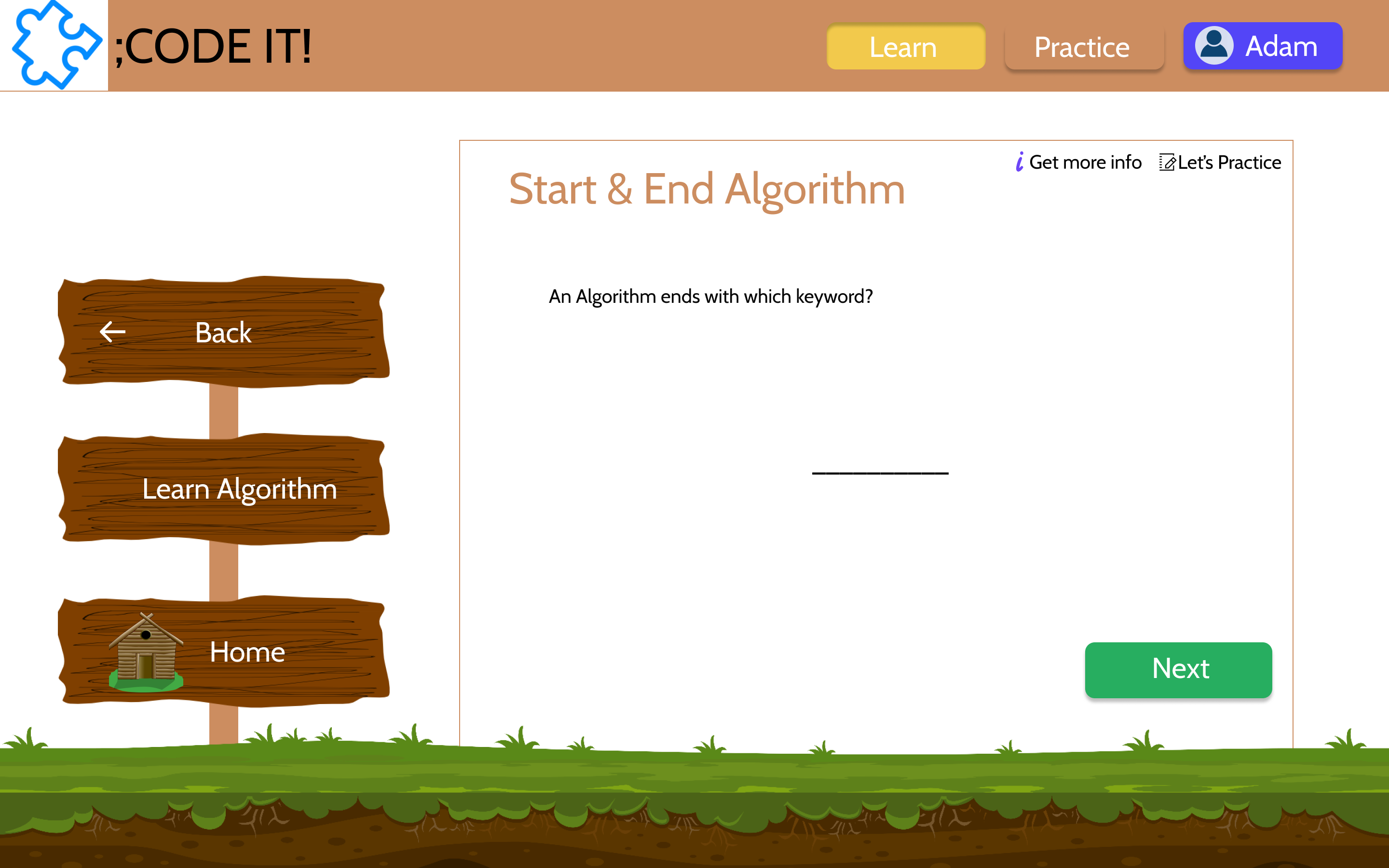
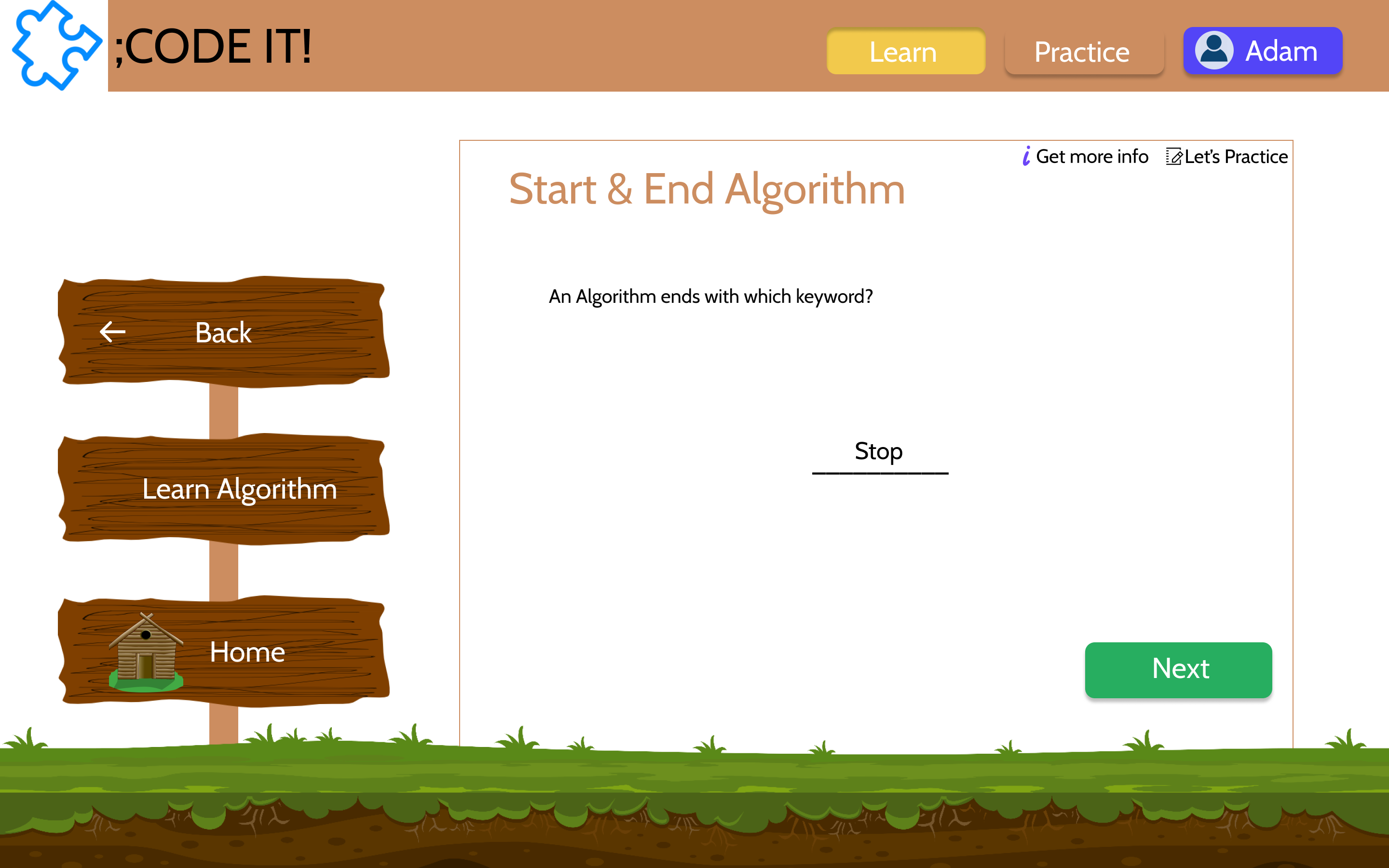
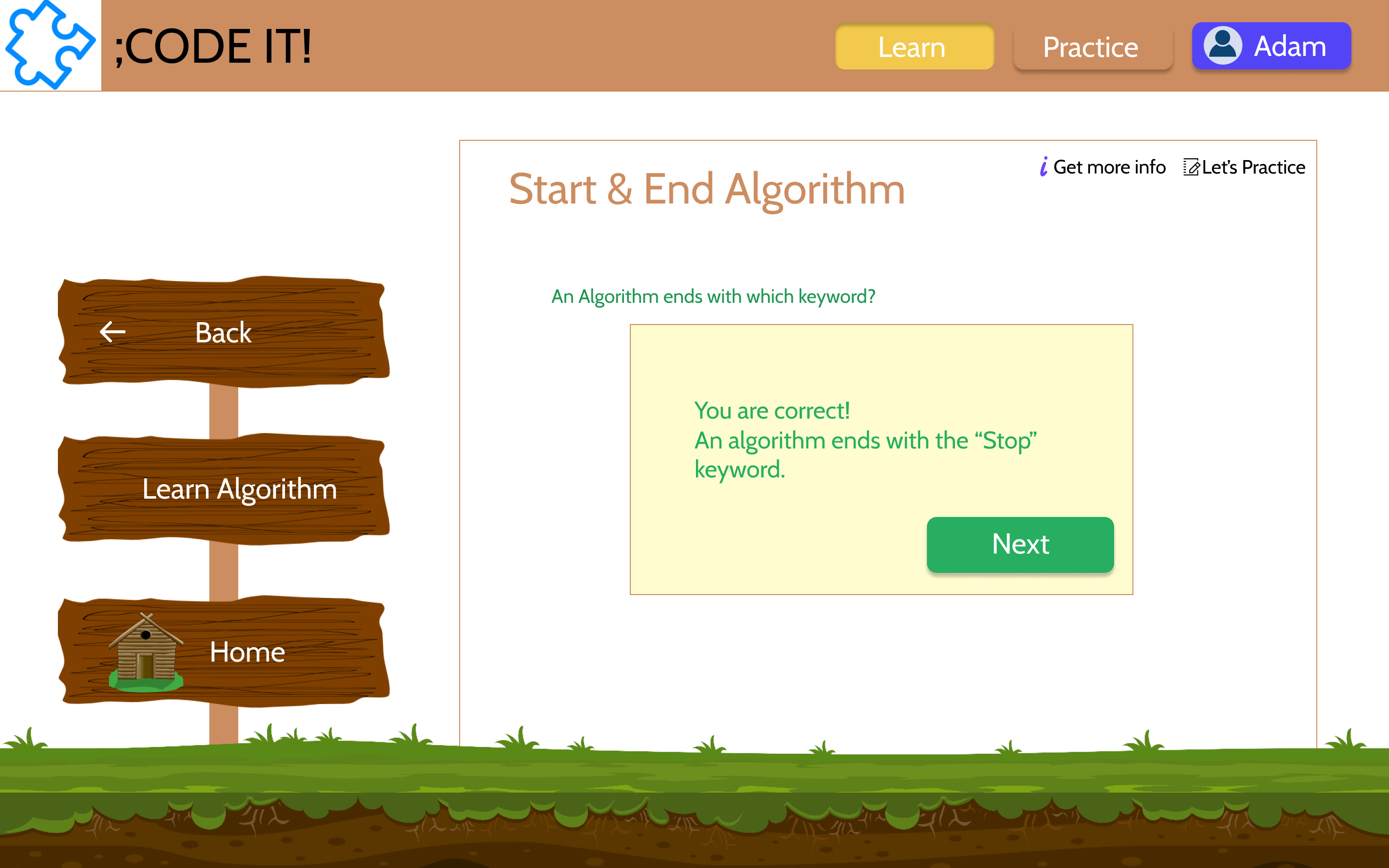
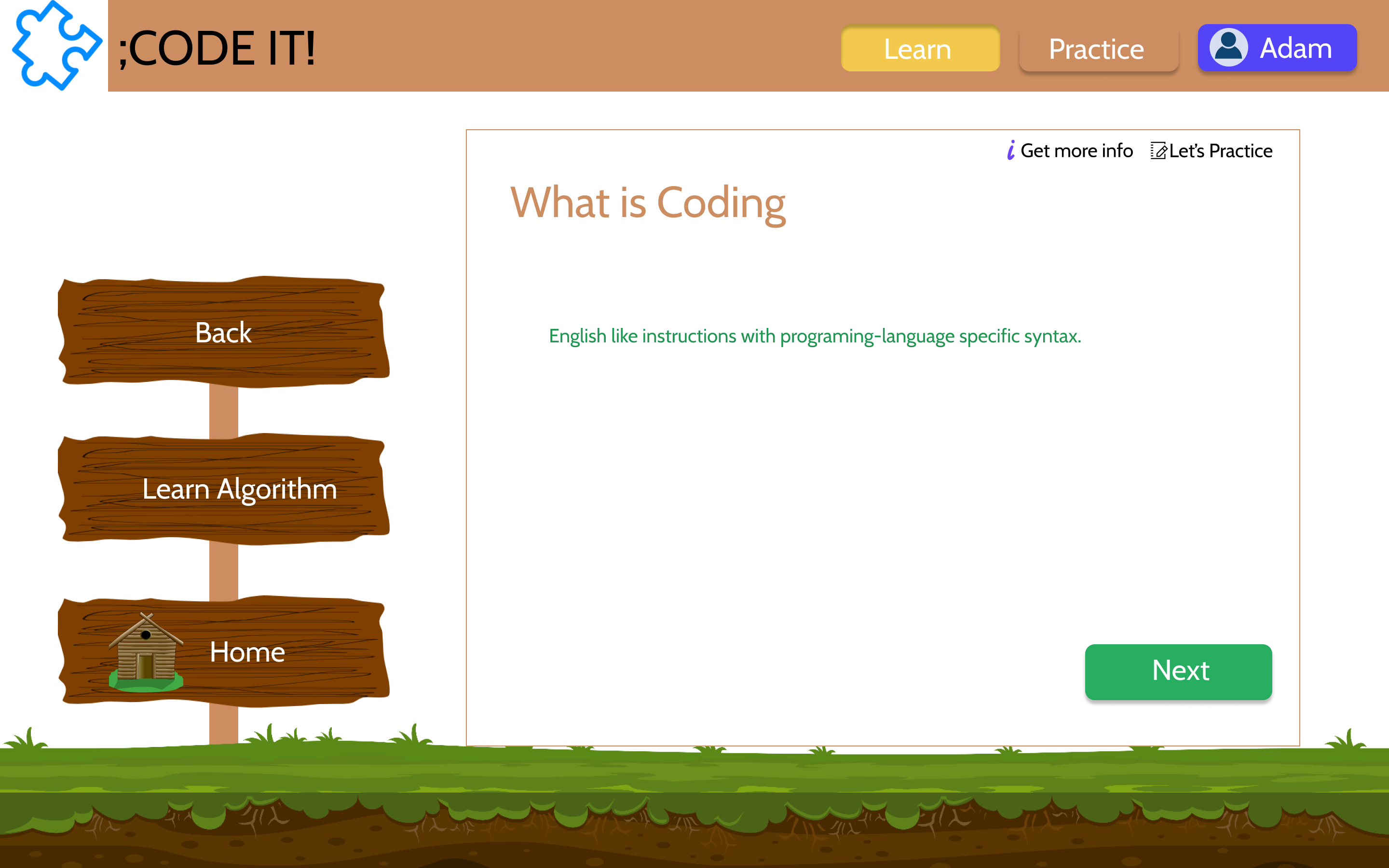
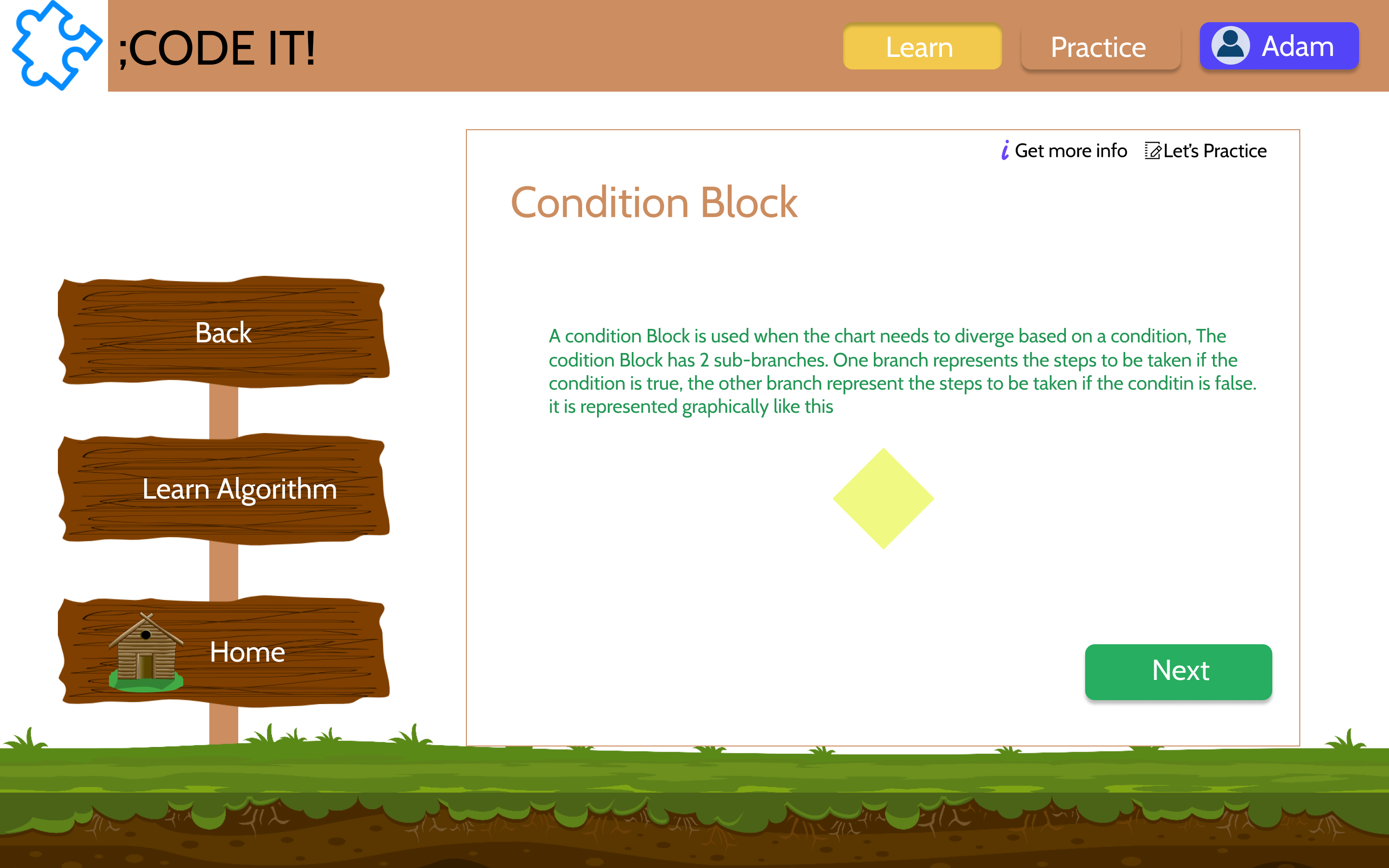
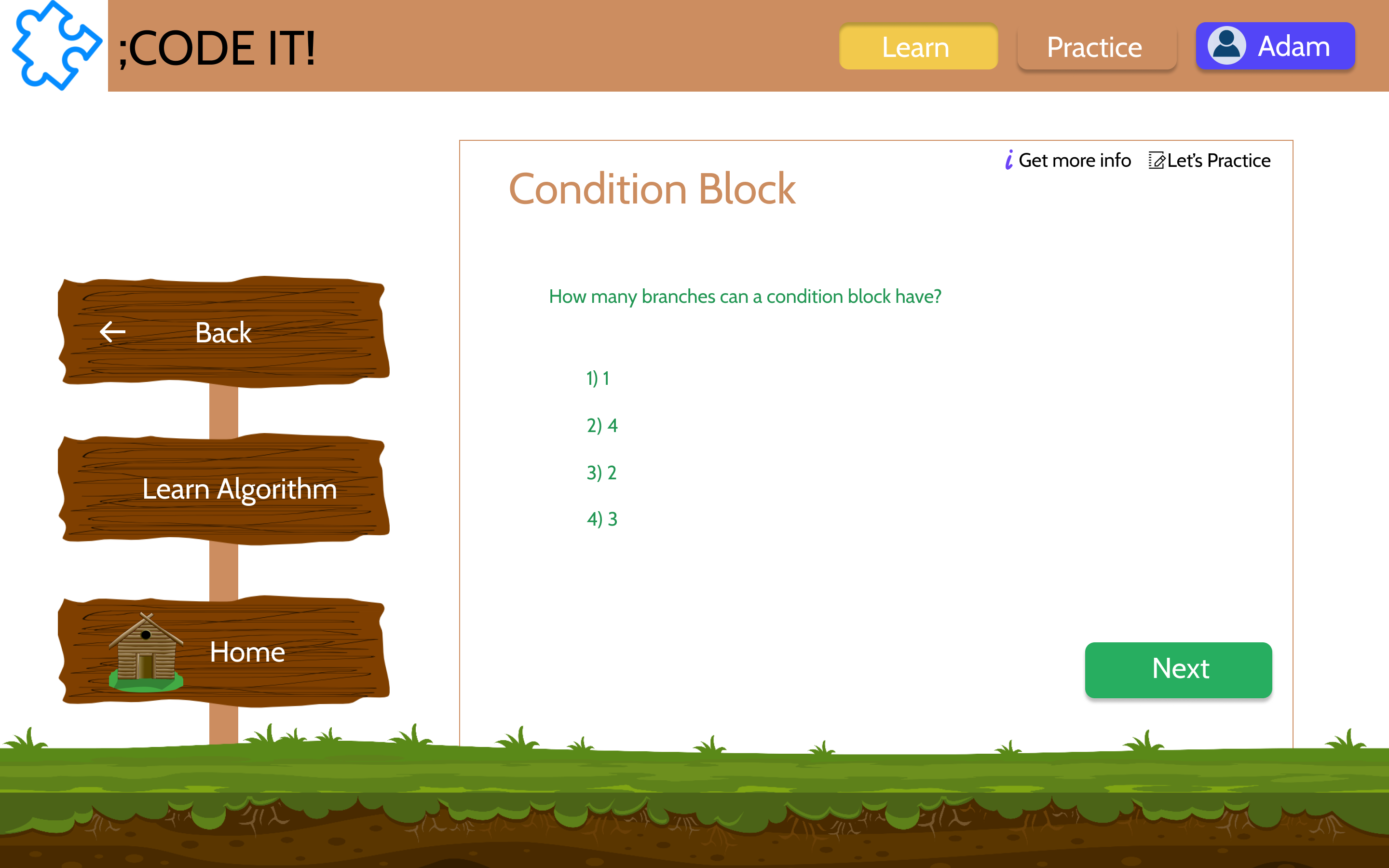
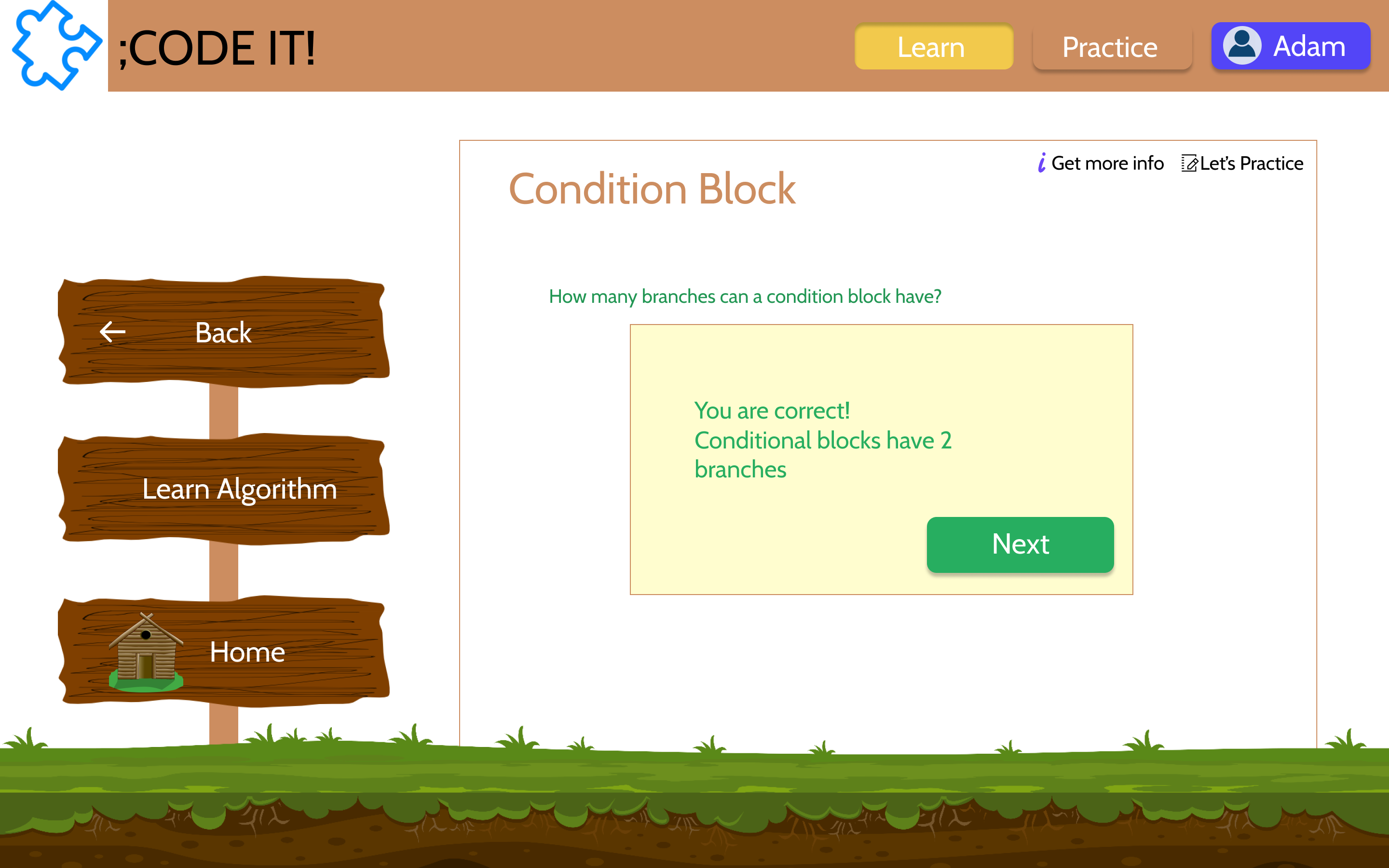
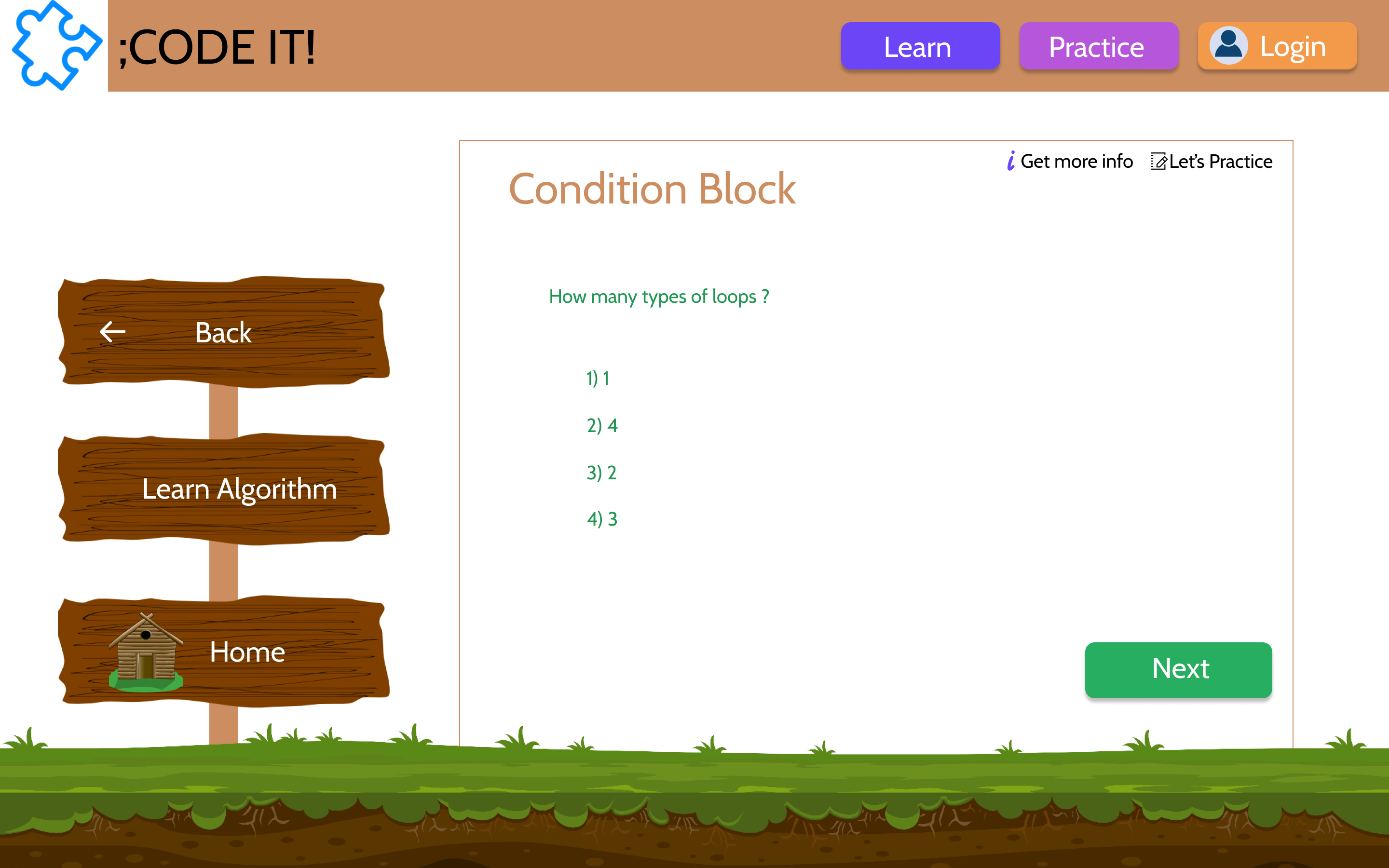
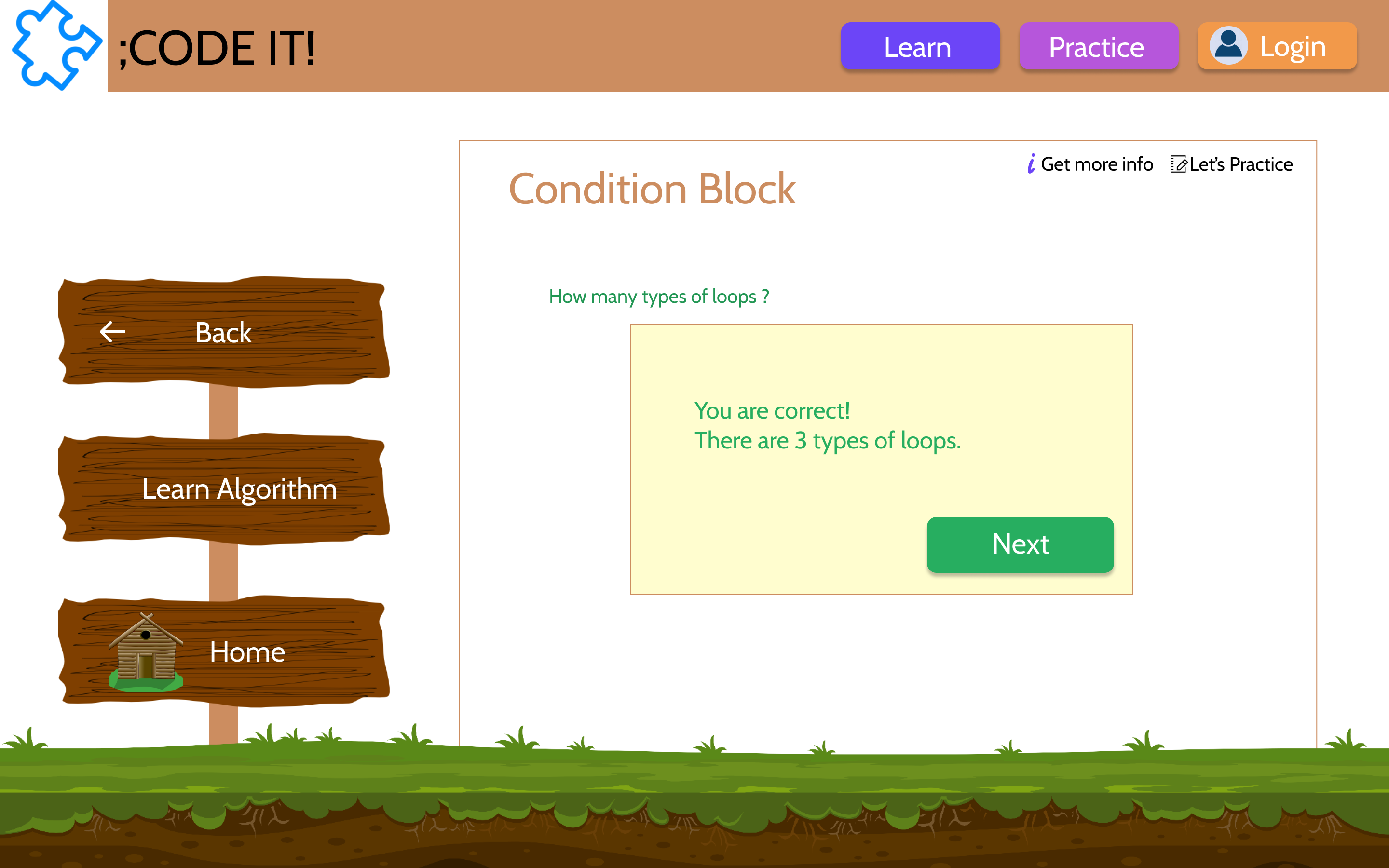
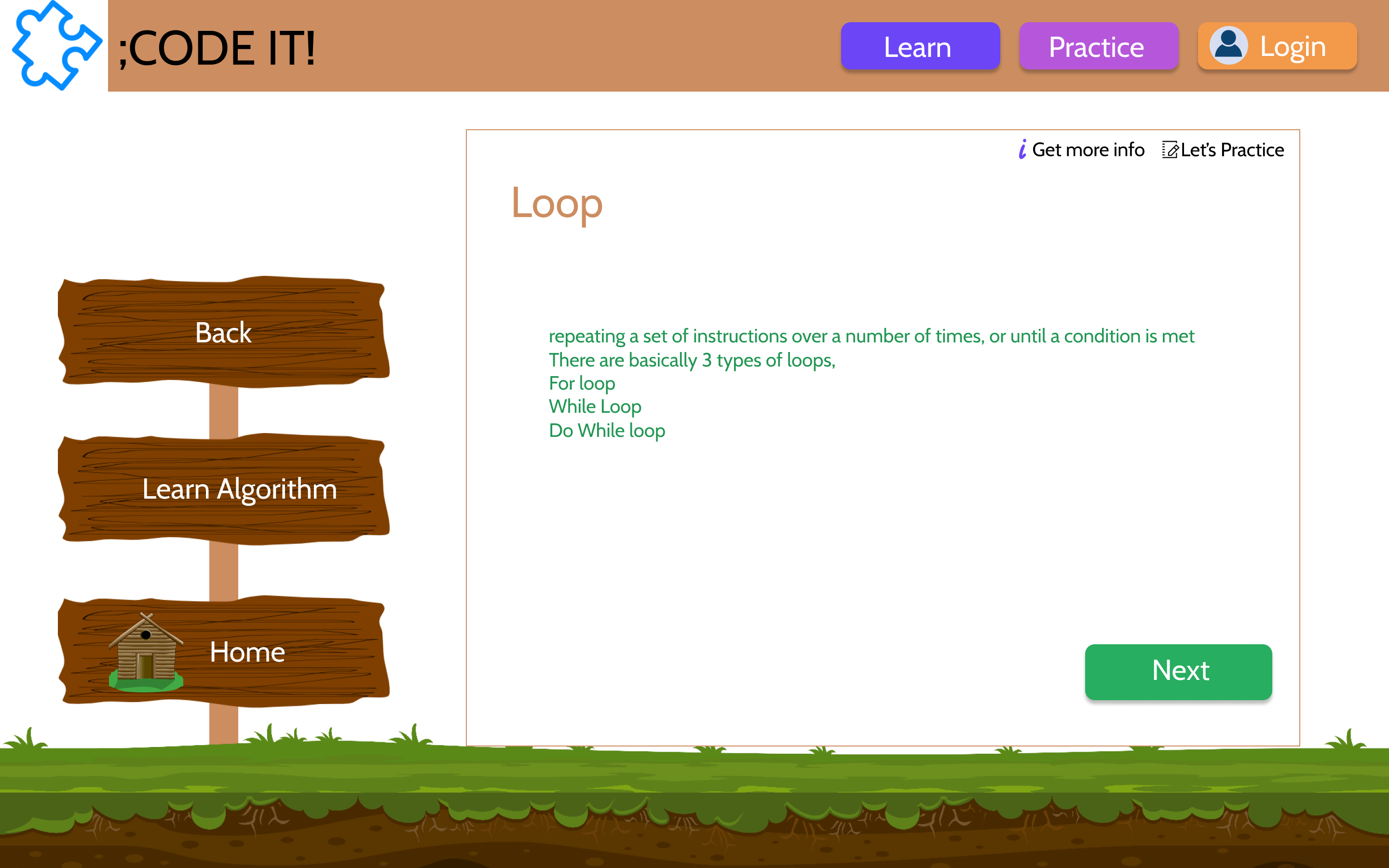
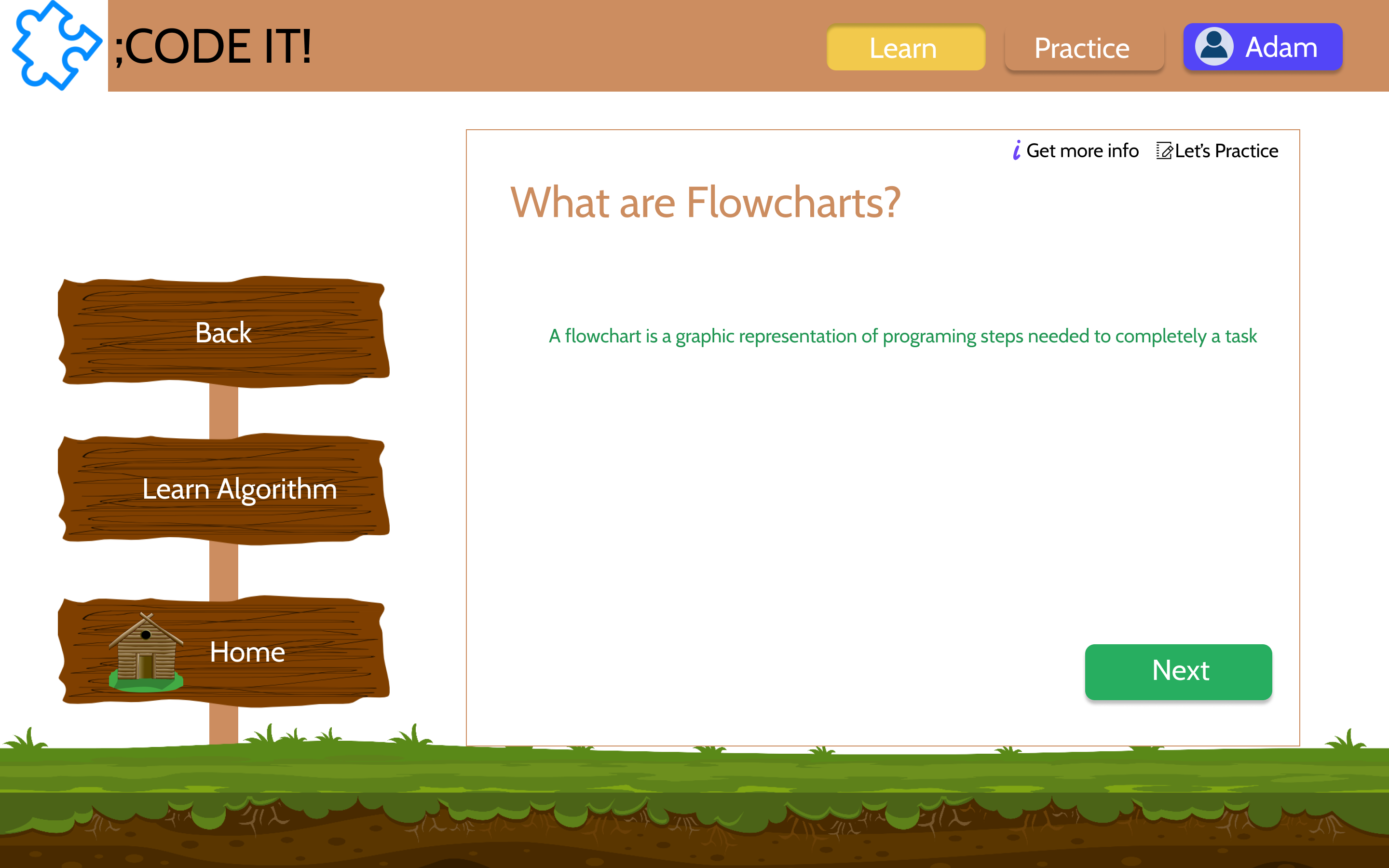
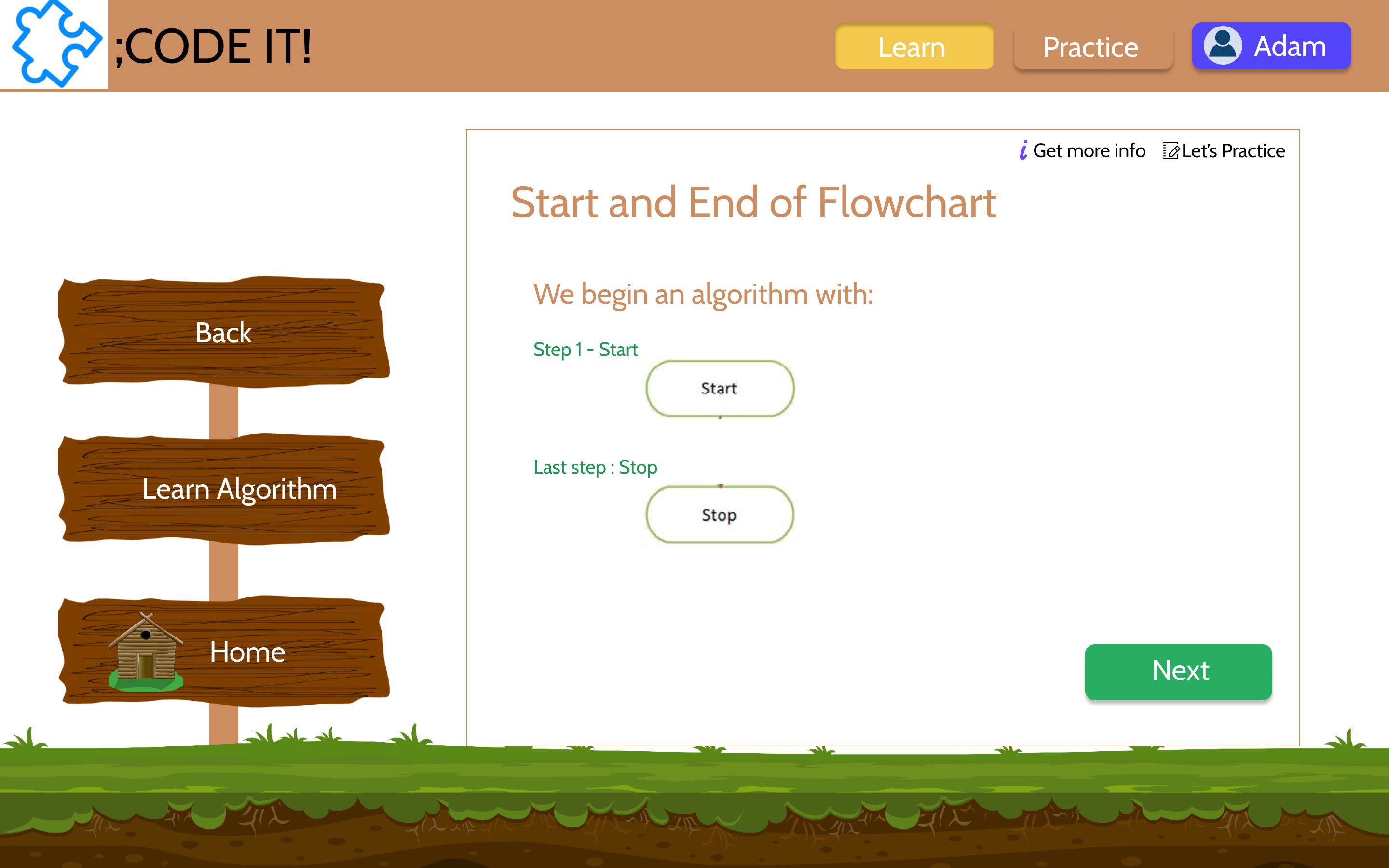
Final Solution: Learn Section Prototype
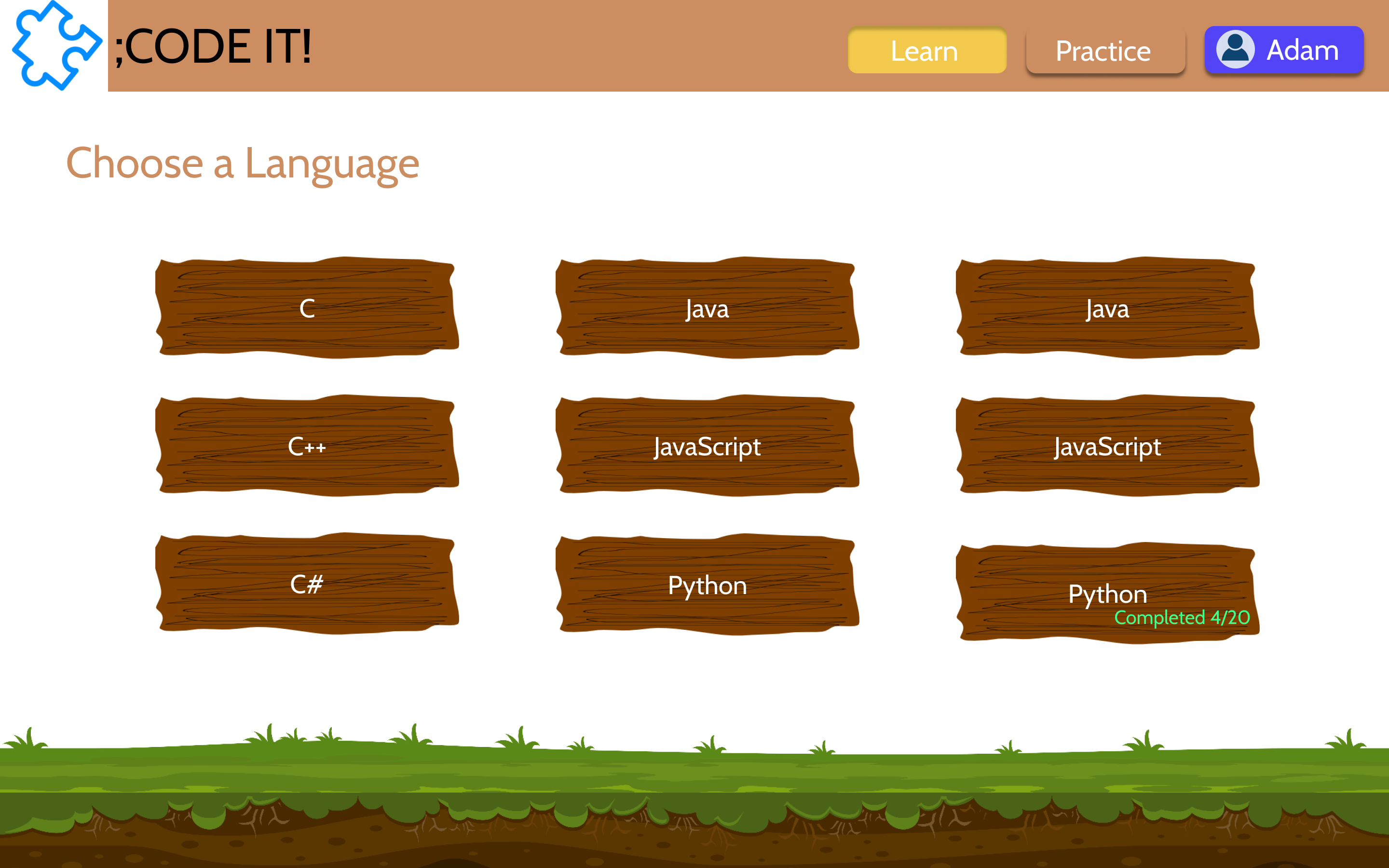
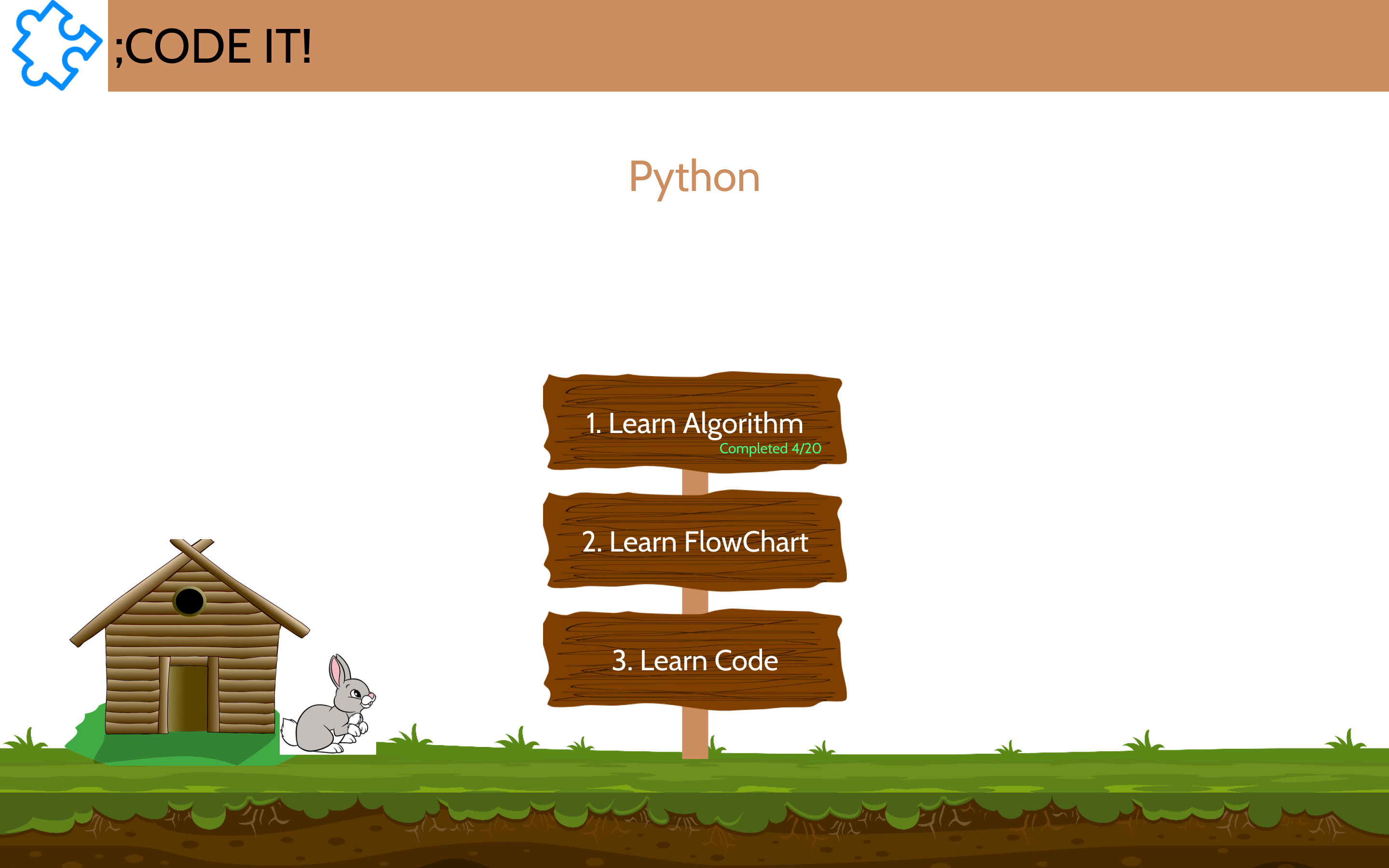
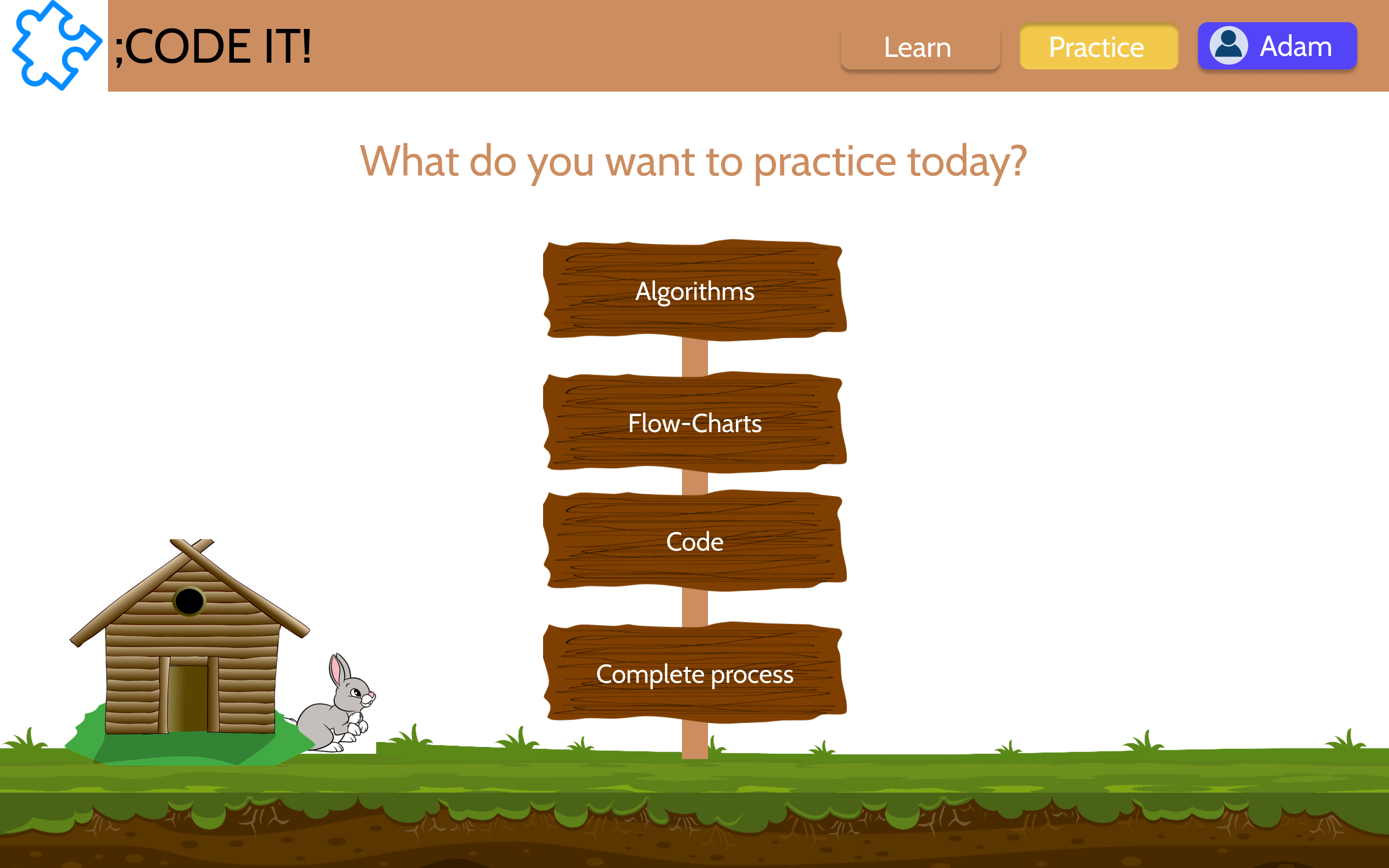
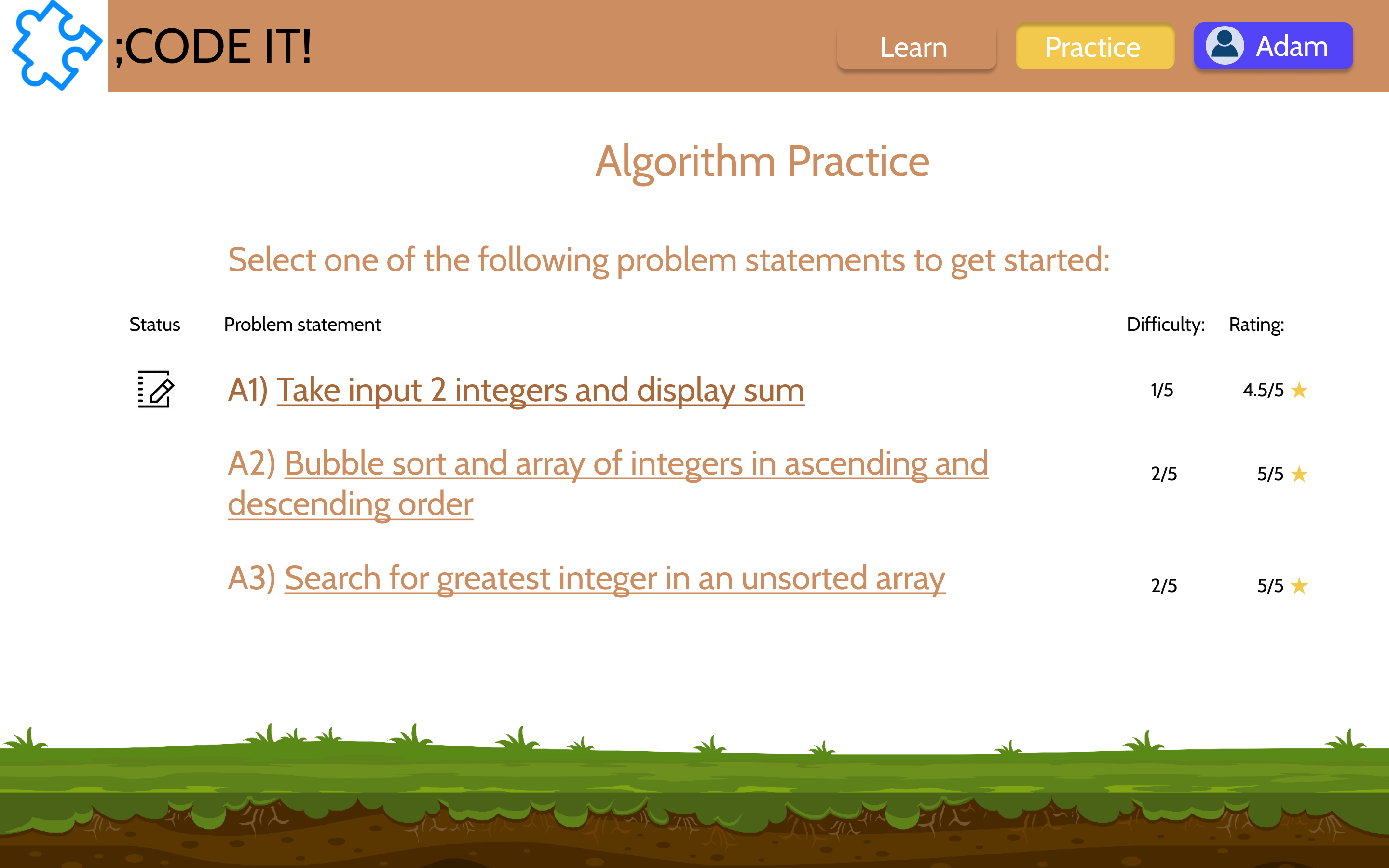
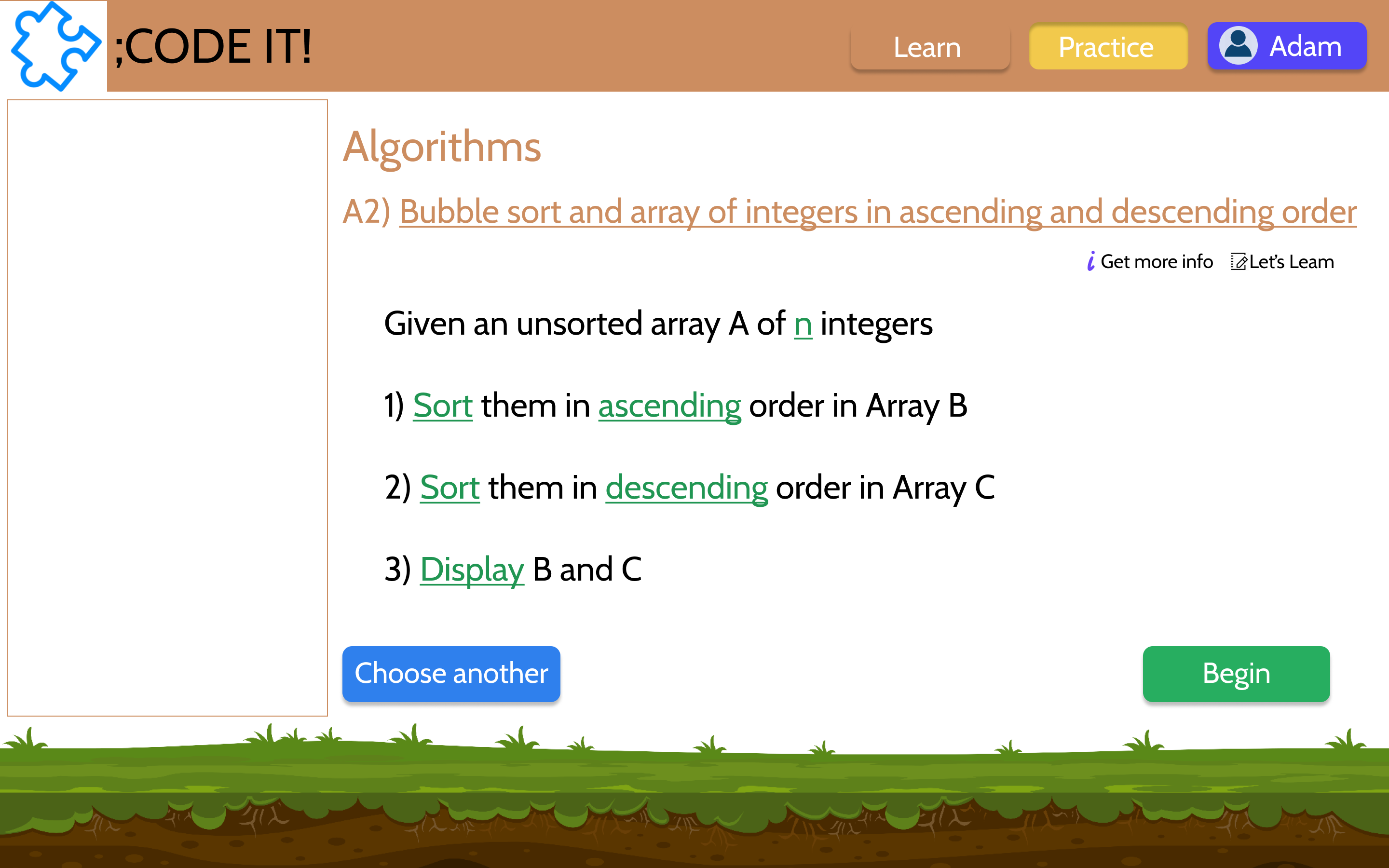
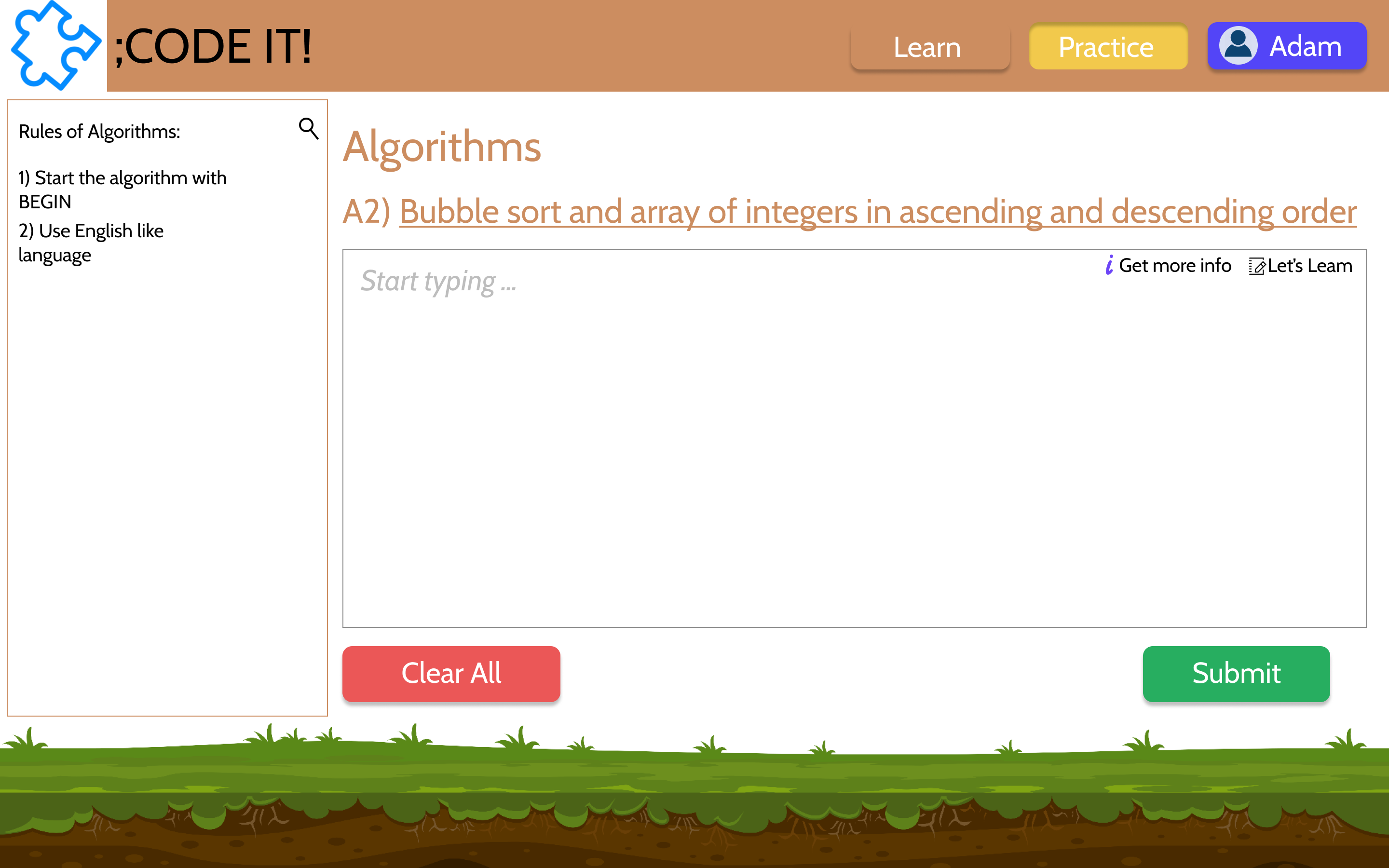
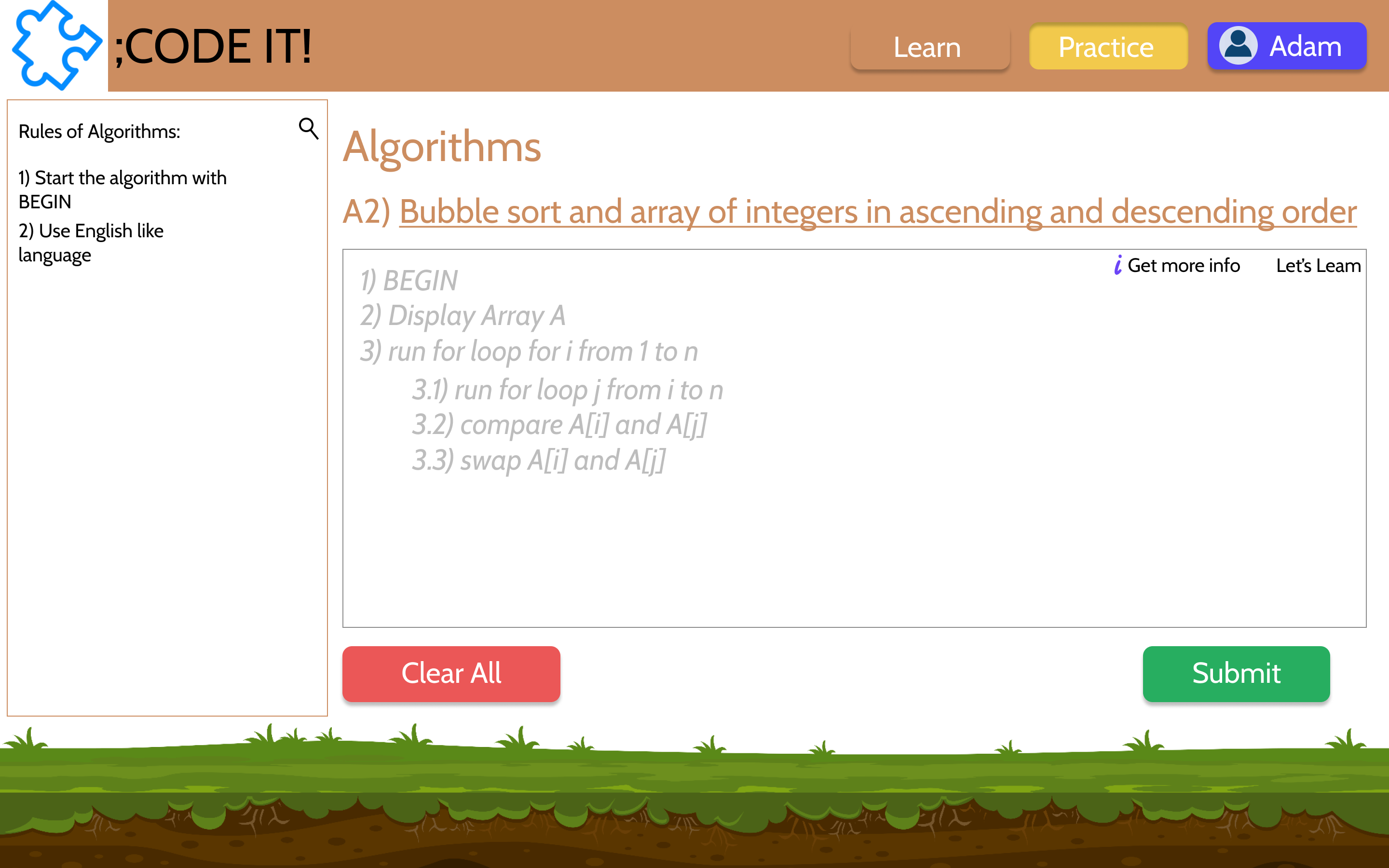
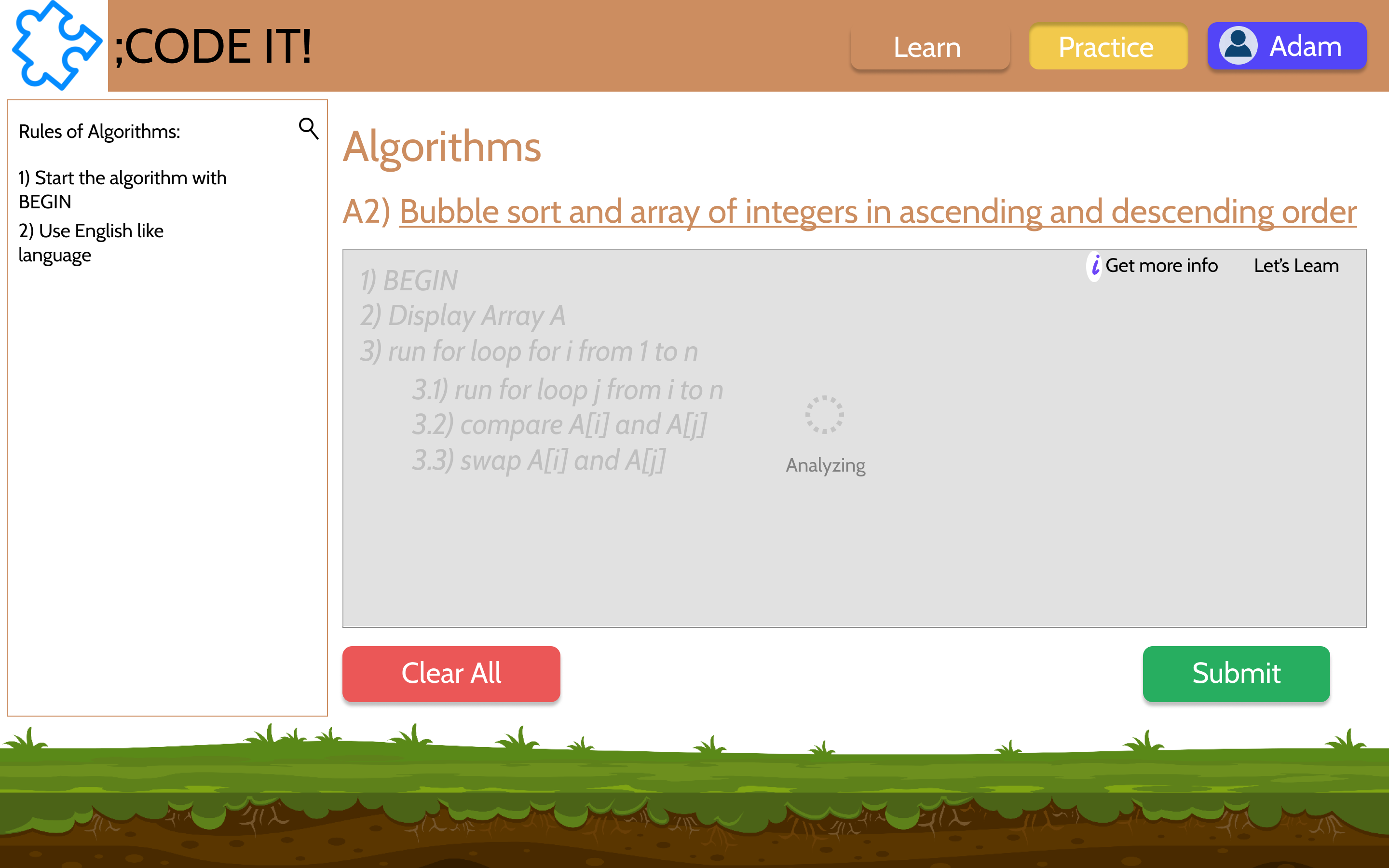
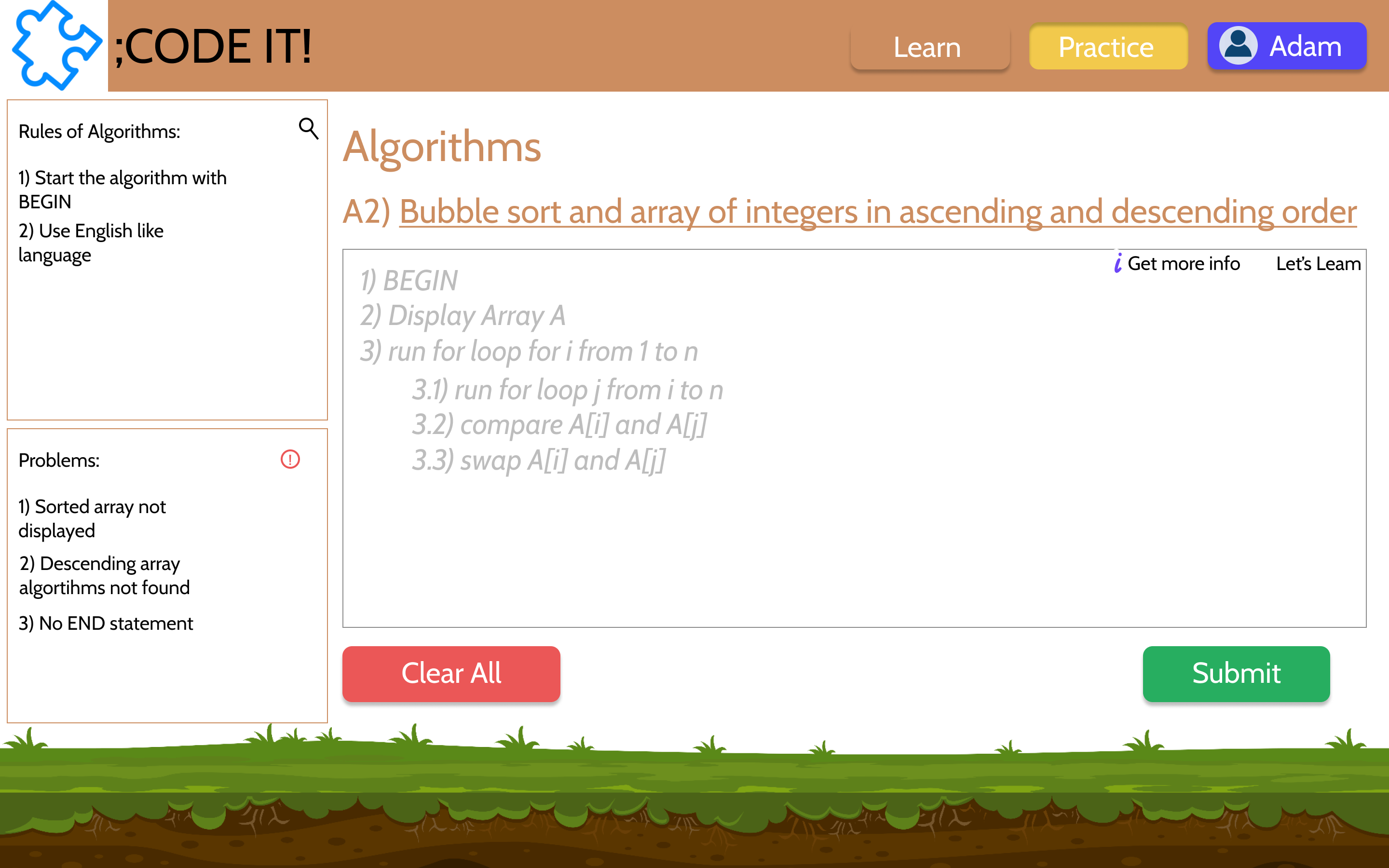
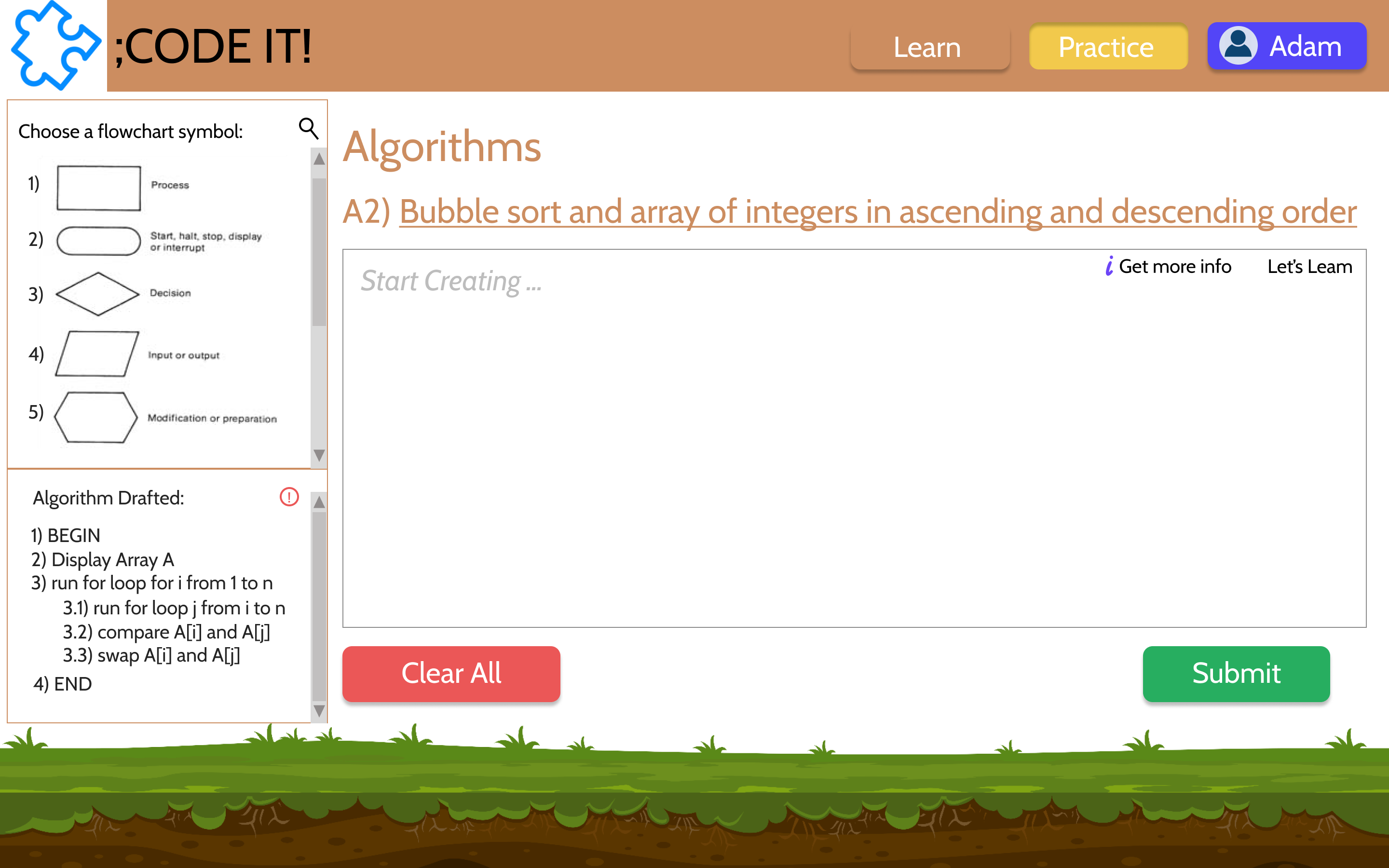
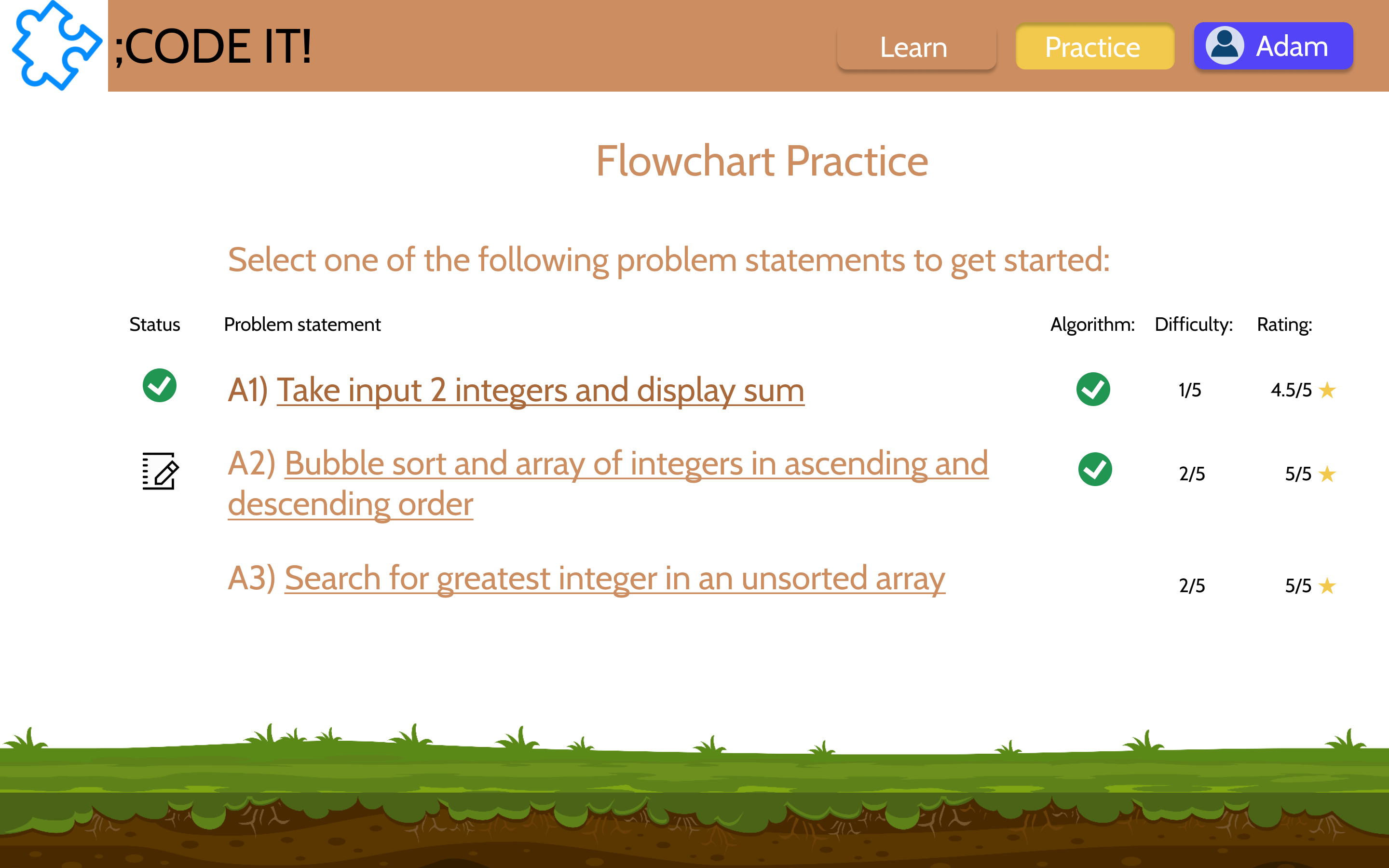
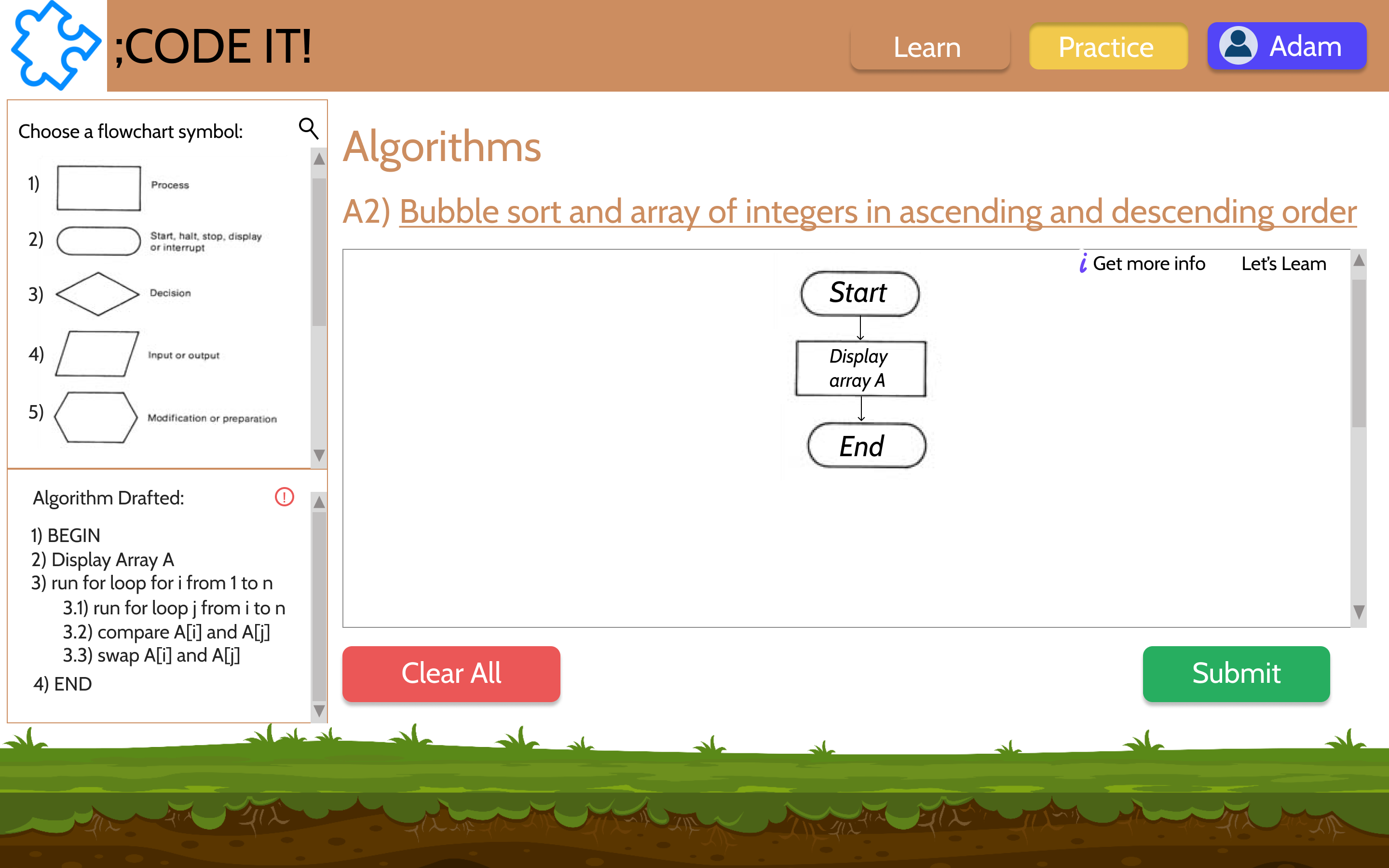
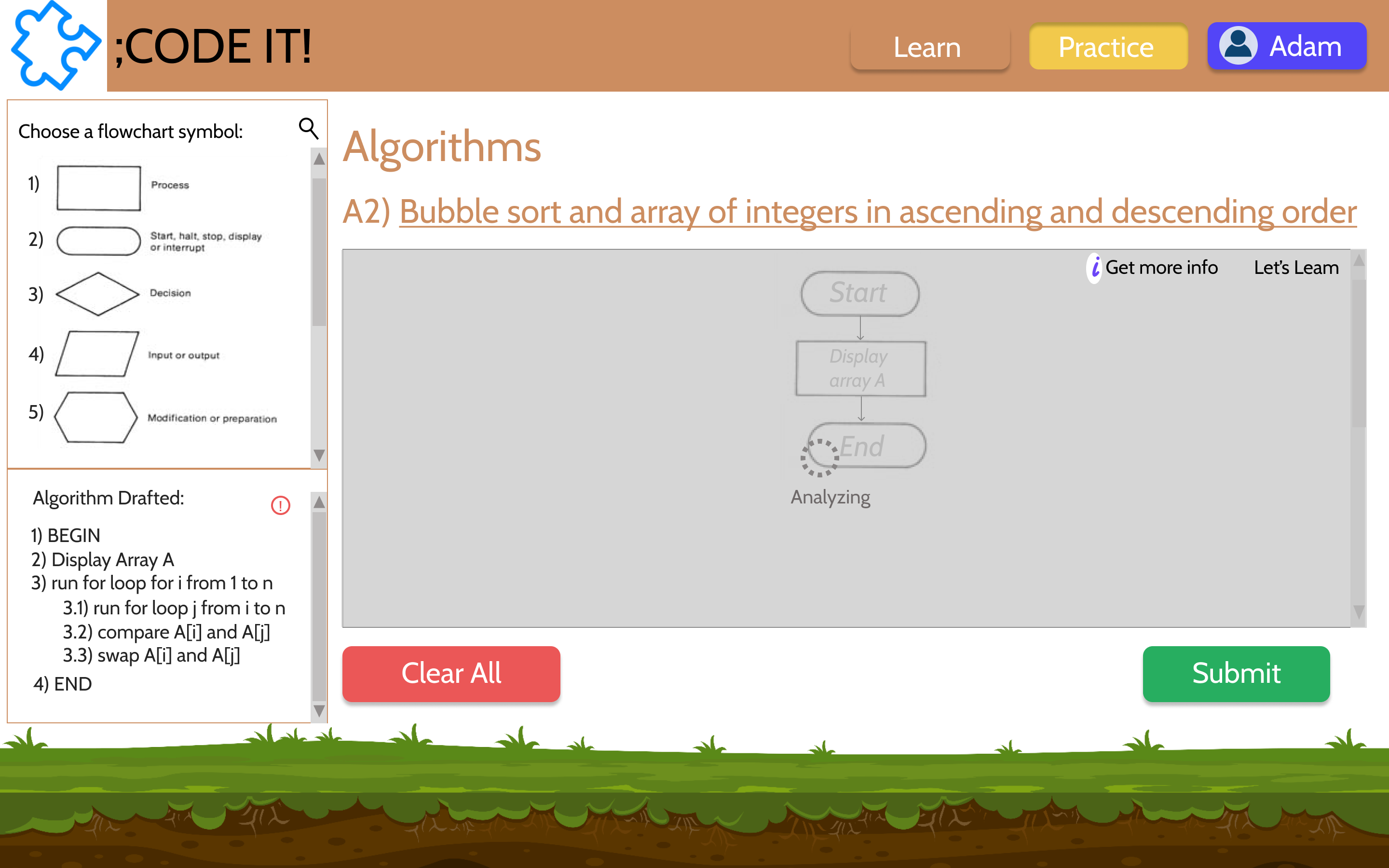
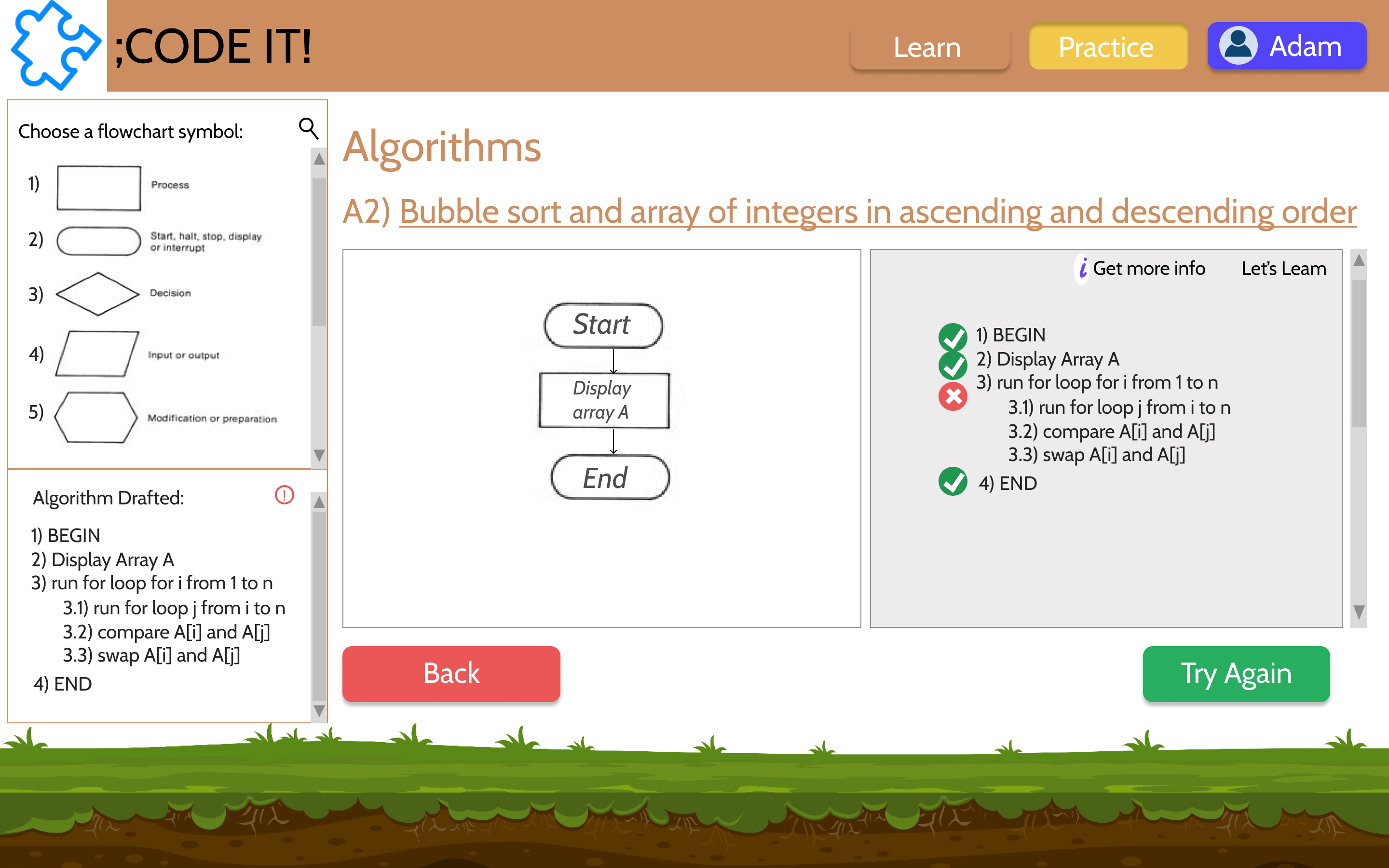
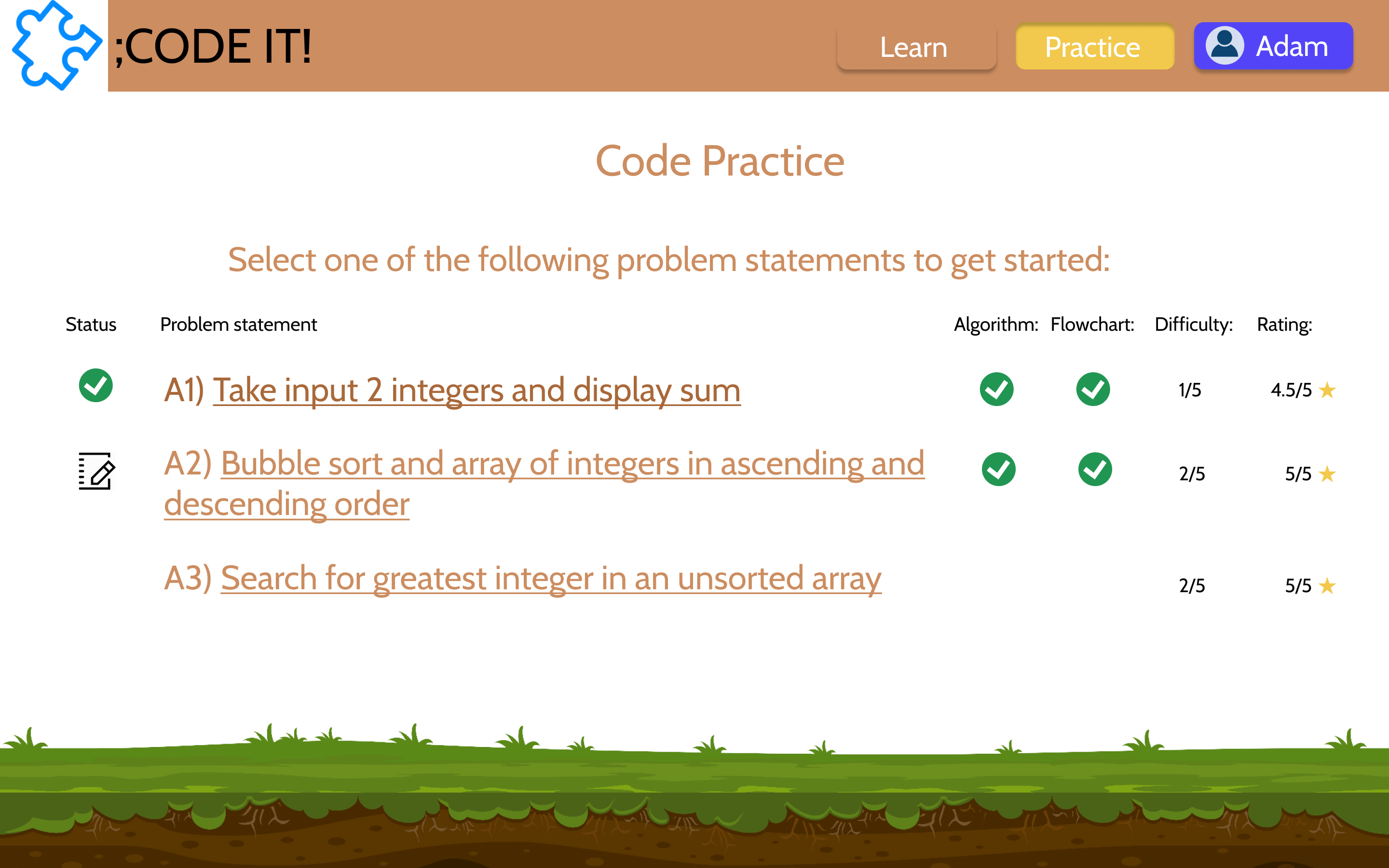
Final Solution: Practice Section Prototype
HOW WOULD IT WORK?
LEARNING:
The user learns the basis of Algorithms, Flowcharts, and Coding. For the coding phase, the user can pick any language he wants to learn and that language would be taught in the chapters.
The user goes through continuous small quizzes to make sure they are understanding what the application is teaching. Also, they have an option to jump to Practice at any time.
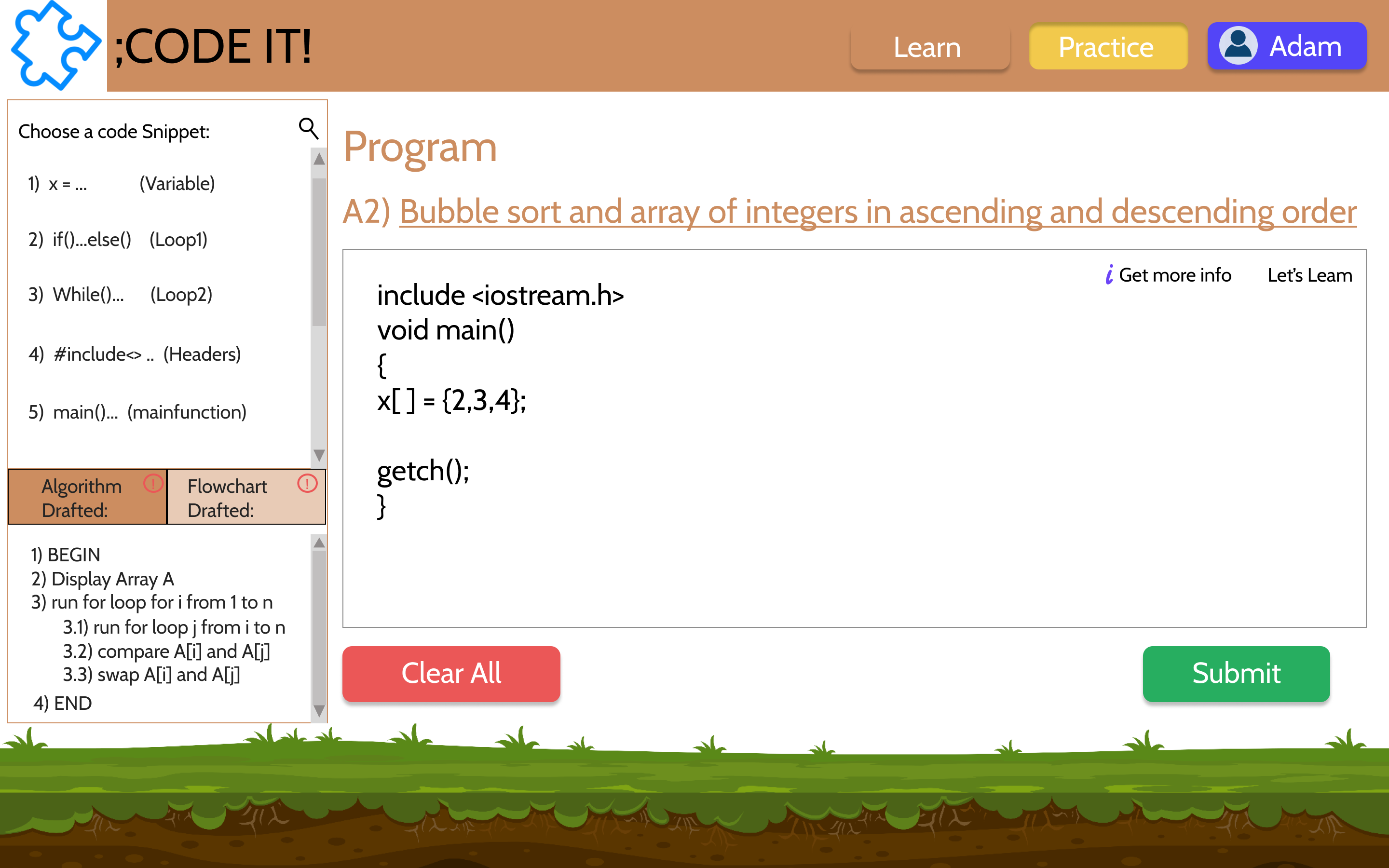
PRACTICE - DRAG AND DROP FEATURE:
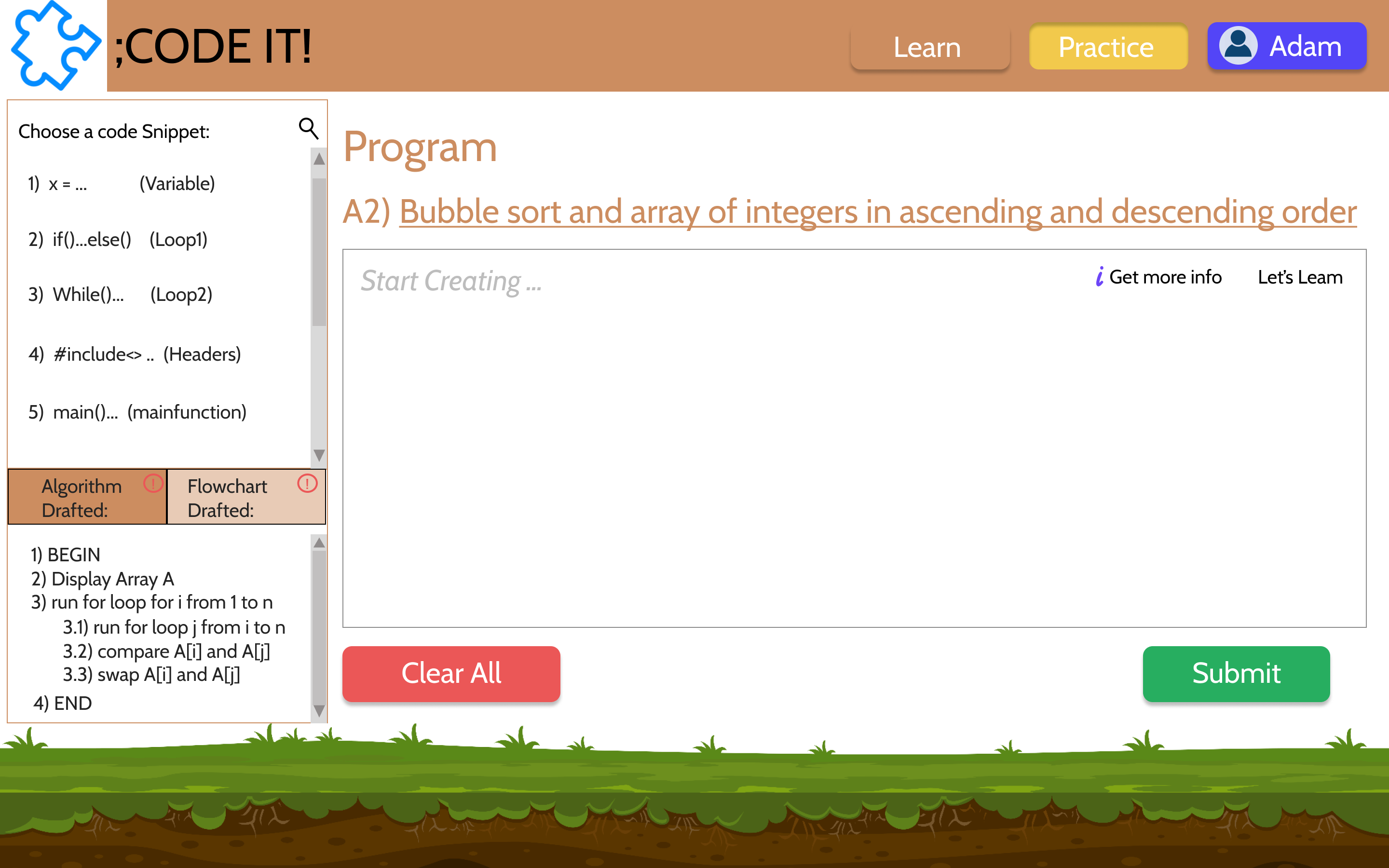
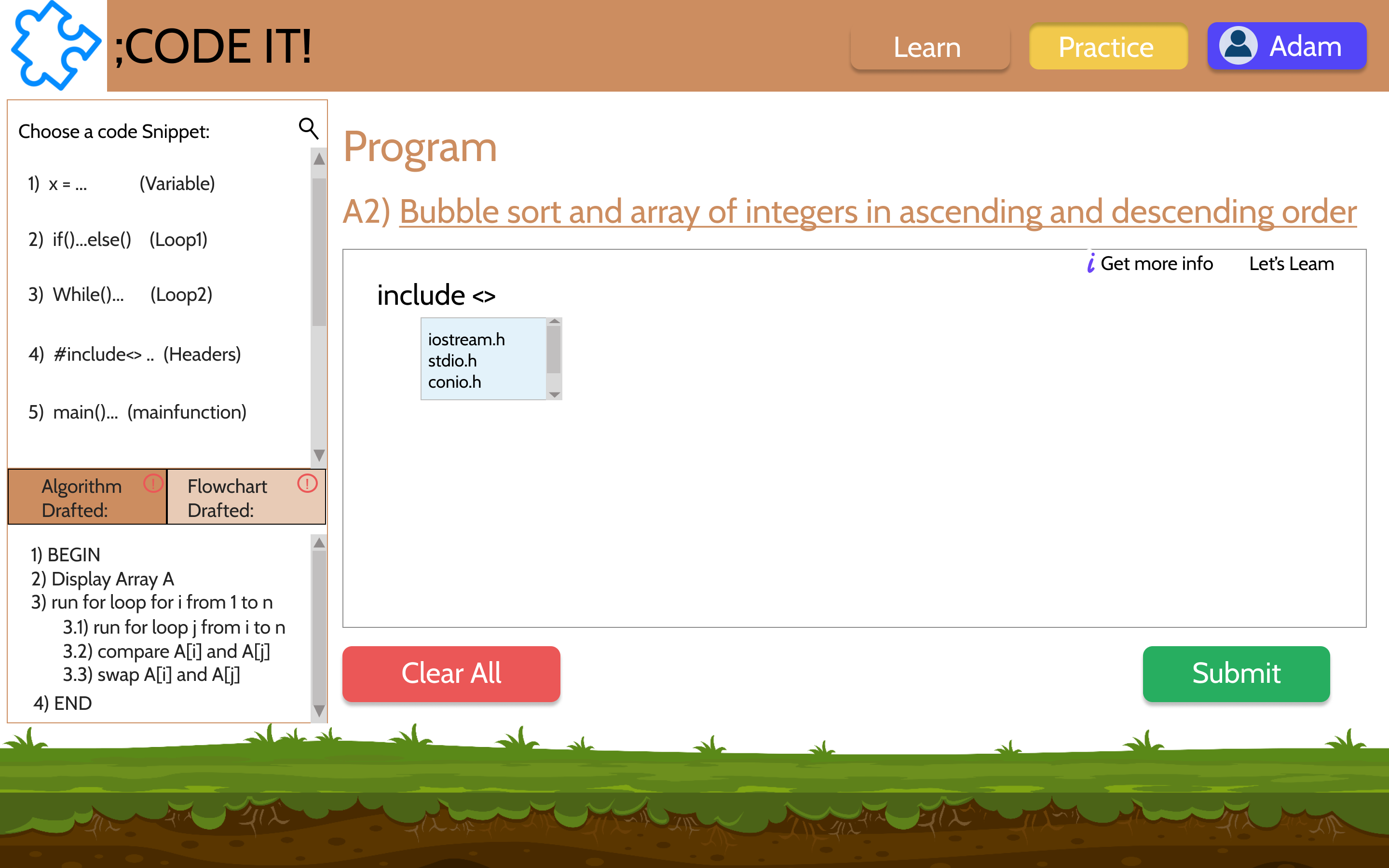
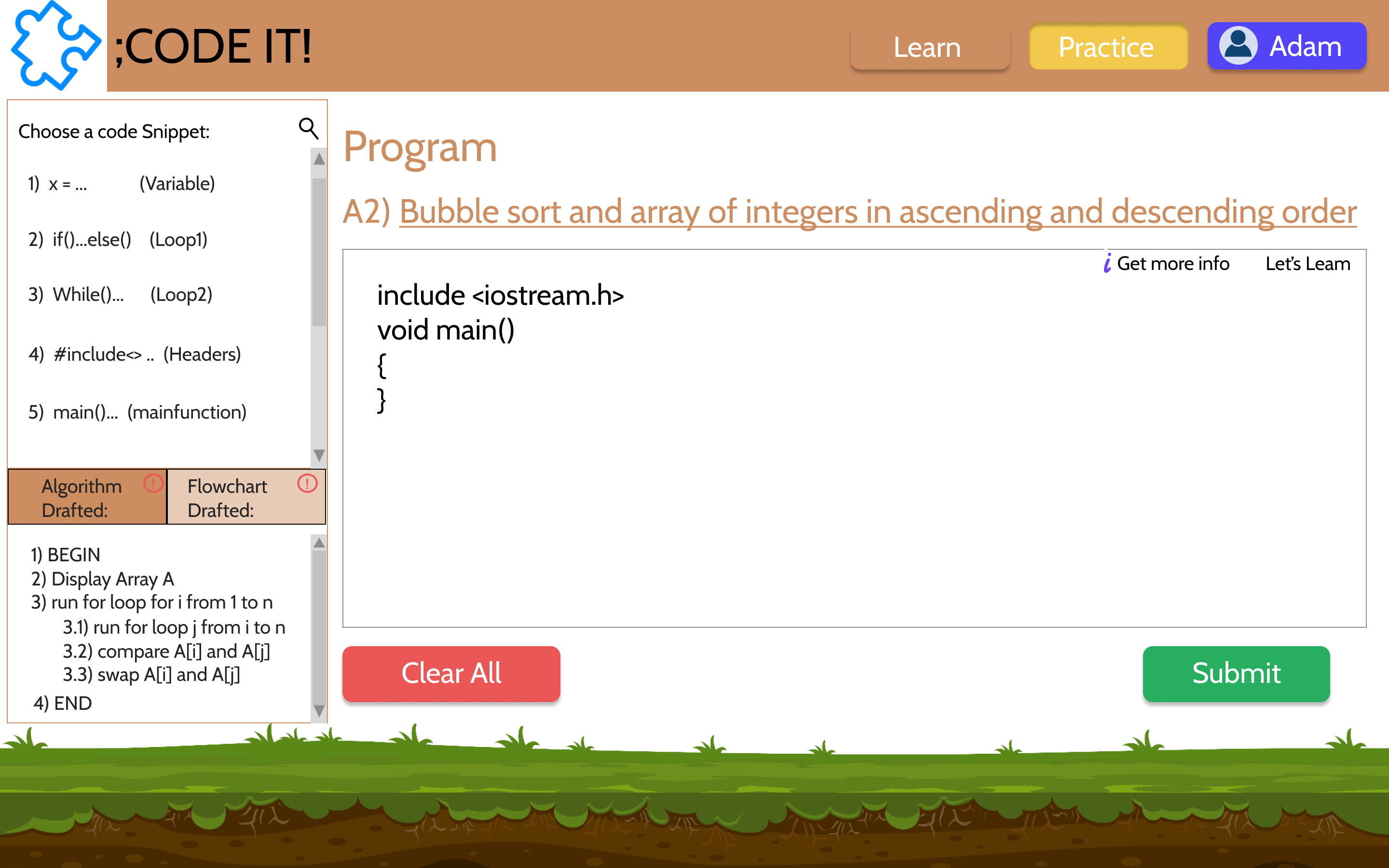
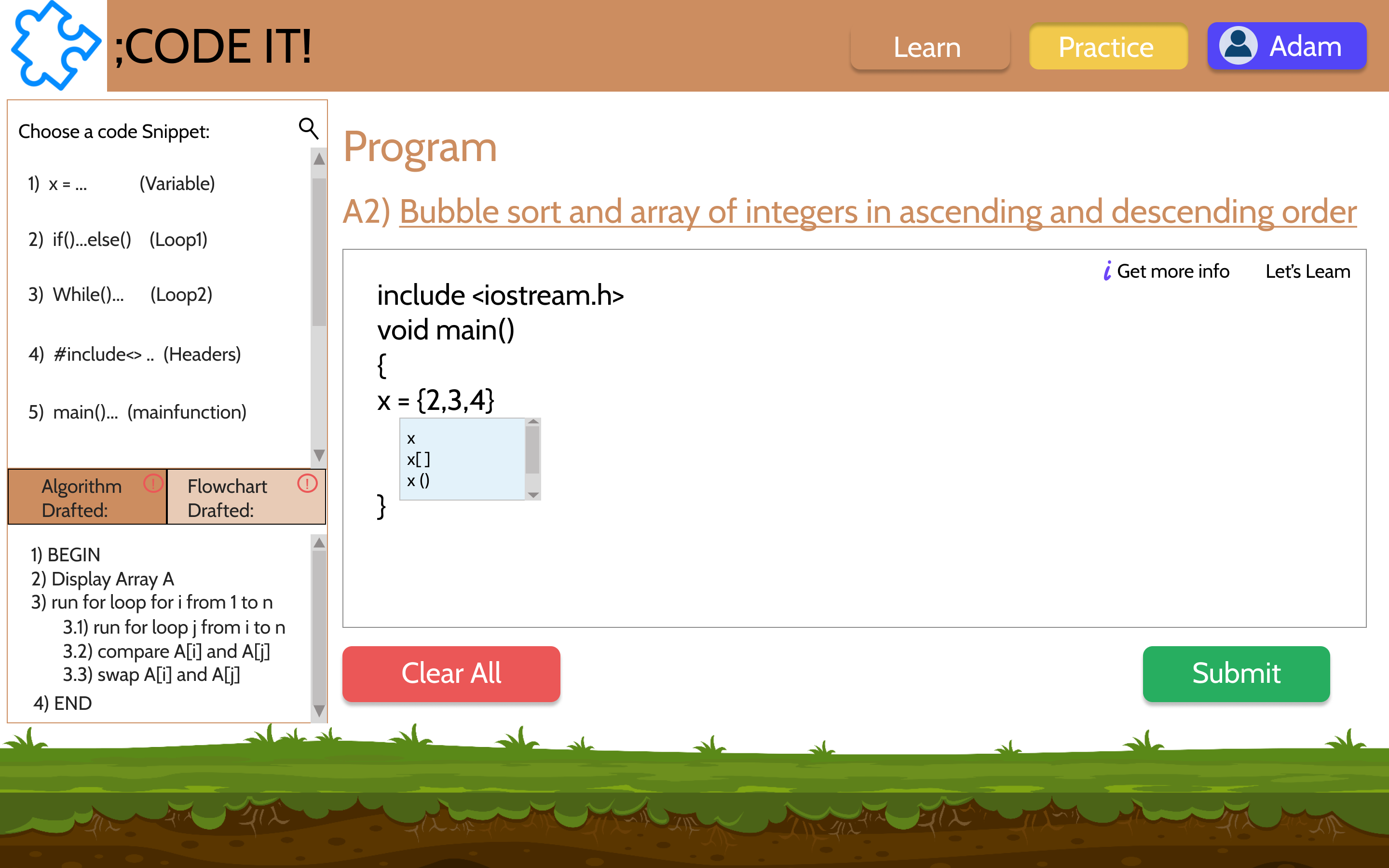
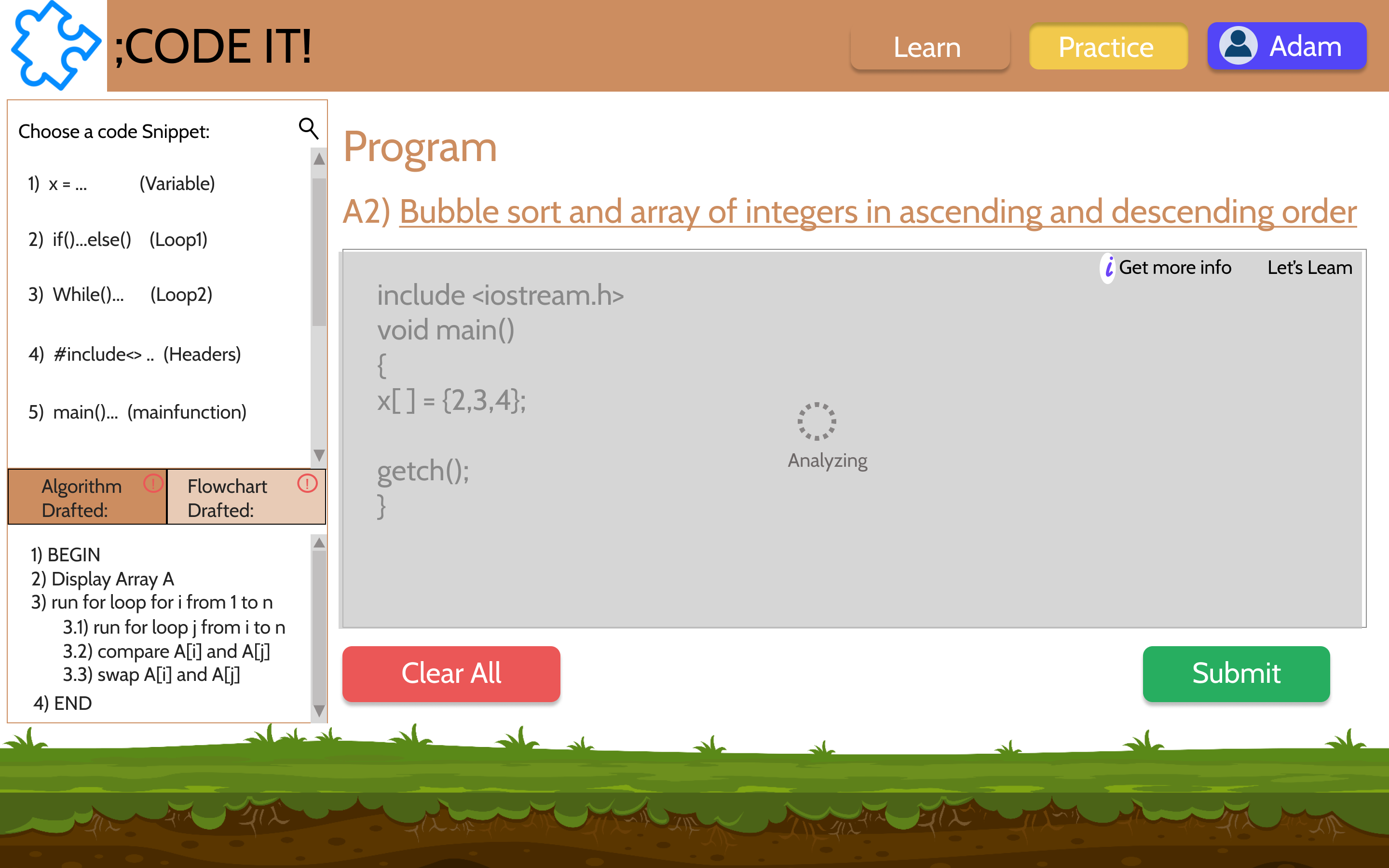
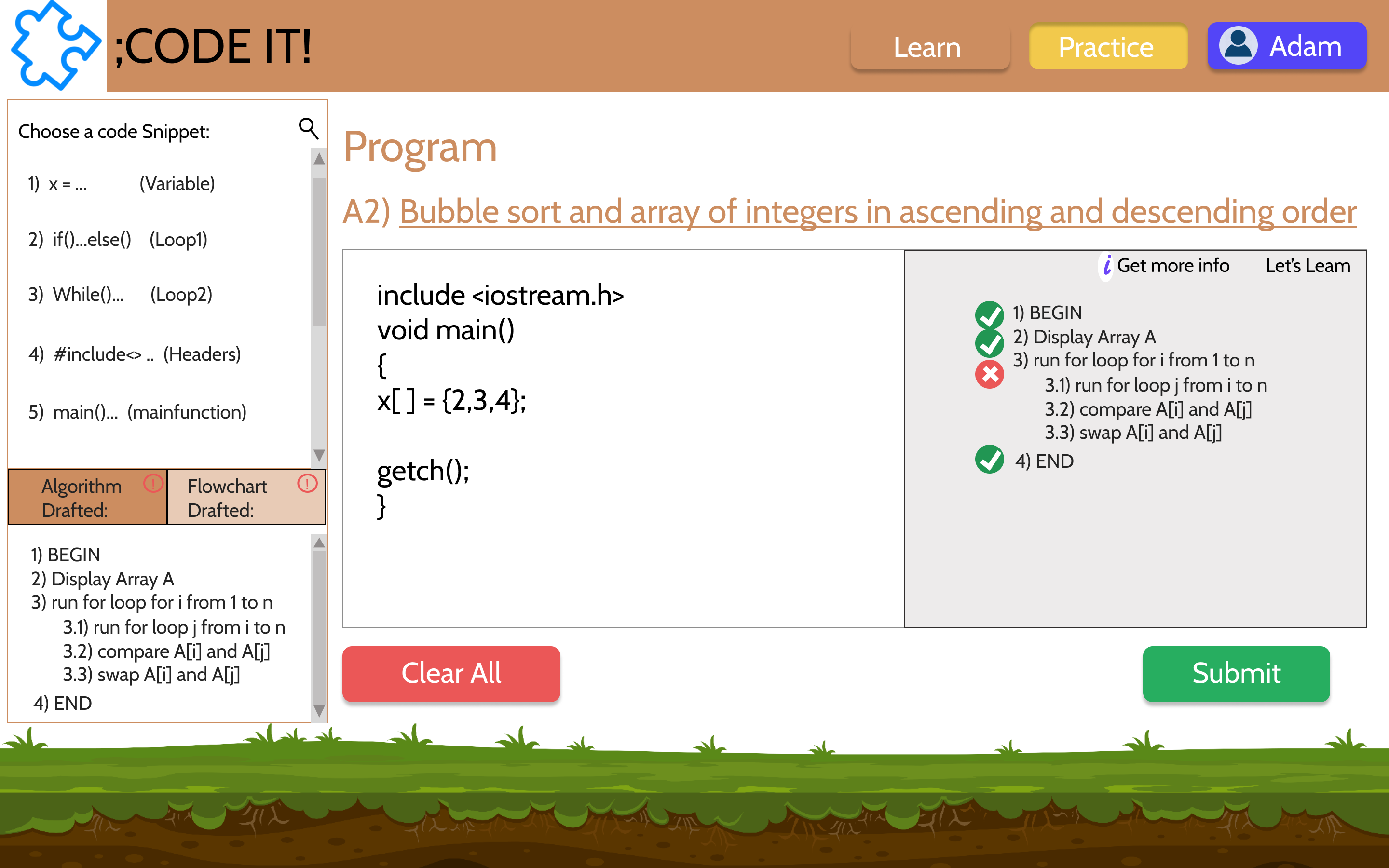
The user is provided with a set of questions that he can practice solving. For these questions, the application takes the user step by step through the Thought Process of programming. This part provides them the Drag and Drop feature which lets them concentrate on the thought process instead of the technicalities.
The user begins with algorithms, moves on to flowcharts and then to code. Here too, the user has an option to jump to the Learning at any time.
USER TESTS
I went through multiple iterations to achieve the above, along with 2 user tests of the solution. The user test interviews were semi-formal interviews and semi-structured interviews.
Tasks:
- Explore the application and view the screens
- Learn the basics of algorithms
- Practice working on the programming of the bubble sort question.
Results: The users loved the application and the flow. They loved the concept and felt that it would make a difference in the industry.
Critiques:
- Participant 1:
- Explore:
- Liked the color scheme
- Advised to choose "Natural colors", therefore did not like purple and other colors
- Liked the tree structure
- Very less programming experience
- Tasks: Go through the screens of algorithm of python
- Got a bit stuck in the screens
- Recommended to have a practice place where she can work
- Recommended to have a set of questions which she can practice
- Compared it to an HTML course she took online
- Asked to maybe describe the elements used in flowchart at once instead of going one-by-one
- Explore:
- Participant 2:
- Explore:
- Liked the color scheme
- Has coding experience
- Liked that we are teaching algorithms before flowcharts and then coding
- Said he would like to see the drag and drop screens
- Tasks: Go through the screens of flowchart of python
- Said the flow was good and simple
- Said we could maybe organize the options as they are all over the screen
- Pointed out that one screen has 2 next buttons which may confuse the user
- Liked that there were so many options but was skeptical of the UI since coding has many subtopics
- Recommended to improve the flow a bit more
- Recommended to change the theme a little (too childish)
- Explore:
WHAT'S NEXT?
- Partner with a company for the Natural Language Processing, required to analyze the algorithm, flowcharts and the code
- Implement the design and the user critiques
- User test the application again